
OutreachCircle is powered by its supporters. Supporters are the engine through which the message of the campaign or organization is amplified and shared.
The admin’s first job after setting up the OutreachCircle and a few actions for their campaign or organization or movement is to recruit supporters to power the circle.
OutreachCircle has several tools which enable this. Supporter Recruitment must be planned and followed-through, including training of supporter recruiters. It is highly recommended that at least 1 full time volunteer or staff member be responsible for this task.
- Migrate all current supporters to your OutreachCircle.
- Require all members of the staff/volunteers, including admins and management/owners, to sign up as supporters. Train staff and volunteers to recruit supporters.
- Sign up supporters in person / Paperless Sign in
- Have the candidate or CM personally invite local influencers (school board members, media personalities, people in current or retired from political positions) to be supporters and complete an email/text action and social share
- Using your OutreachCircle's Recruitment Links, invite new supporters through social media posts/advertising, on billboards, stickers, and on yard signs.
- Add OutreachCircle buttons to your website and emails so supporters can join easily.
- Supporters recruit supporters:
- By completing text, email, or social media share Actions for you in the Supporter Platform of your OutreachCircle
- Supporters have access to the OutreachCircle's recruitment link and can use it to invite their family, friends and contacts, new acquaintances in person or through their own online networks.
Adding Supporters
In general, you can add supporters to your OutreachCircle by going to your Supporters page and clicking Add Supporters.

This will open a menu on the right-hand side of the screen with four options for adding supporters.
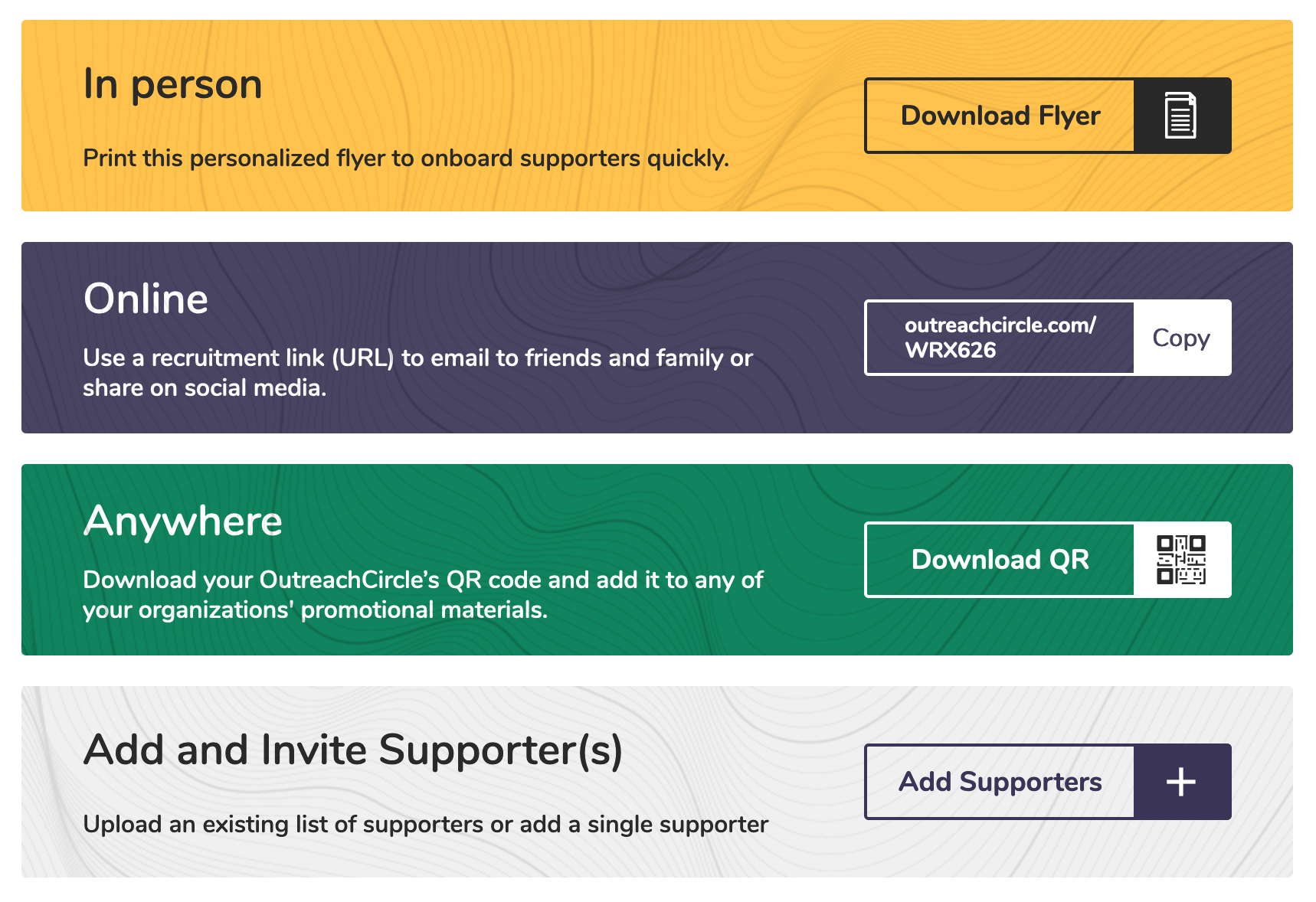
Click the button on the right-hand side for the option you want to use.
Migrate all current supporters to your OutreachCircle
If your organization or campaign has already been running for some time prior to adopting OutreachCircle, it is important to invite all your current supporters and contacts to sign up as supporters on your OutreachCircle. If you already have an emailing program you can send your OutreachCircle's recruitment link to them, or you can include the recruitment link and invitation in your paper mailings. Additionally, you can add a button to your emails or website, so supporters can click to join your OutreachCircle right away.
OutreachCircle allows you to add a list of supporters and invite them through an email directly from the admin / client.outreachcircle.com platform:
From the Supporter Screen, click the Add Supporters button. Then, click Import List.
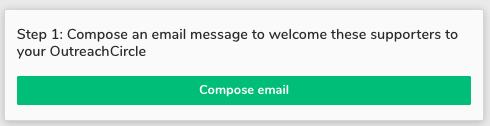
Click the "Compose Email" button and compose your email to invite supporters (be sure to include the recruitment link).
From within the email template editor, you have the ability to track supporters with a specific link/code.
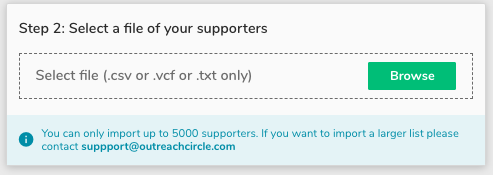
Choose a .csv, .vcf or .txt file of your supporters to upload:
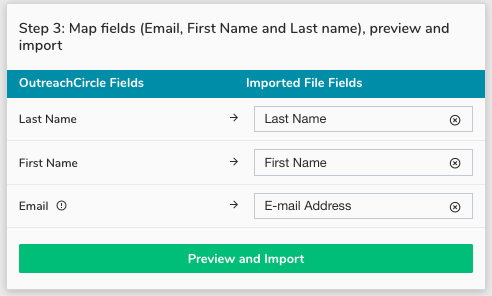
Check to make sure the fields have mapped correctly: Last Name, First Name and Email Address. Then click "Import this List of Supporters:"
Click that you have permission from these contacts to send them email, then click "Send email:"
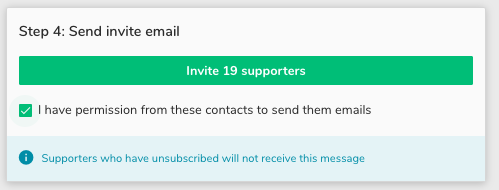
Invitation emails will be sent and the supporters will appear in your list of supporters on your Supporters Page
The recipients will need to click on the link provided by the email and create an account to sign in (a 10-20 second process).
Sign up supporters in person / Paperless Sign in
One of the most powerful ways to recruit supporters in in person.
Rather than offering your supporters a paper sign up sheet, use OutreachCircle's Supporter Signup Flow.
OutreachCircle can save a campaign valuable time by taking the place of paper sign-in and reducing the need for data entry. Having a volunteer or staff member who can stand by and help shepherd a new supporter through signup and help them to complete their first few actions ensures the supporter's confidence in the product, enables them to immediately share your message with their contact list and social media, and ensures a higher likelihood of them using the platform to help your campaign or cause in the future.
OutreachCircle provides supporter recruitment links, codes and QR codes to direct prospective supporters directly to your supporter landing and signup page
On the Admin / client.outreachcircle.com platform, click Settings > Supporter Recruitment.
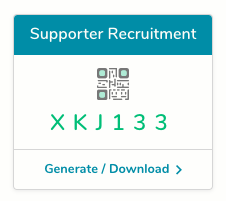
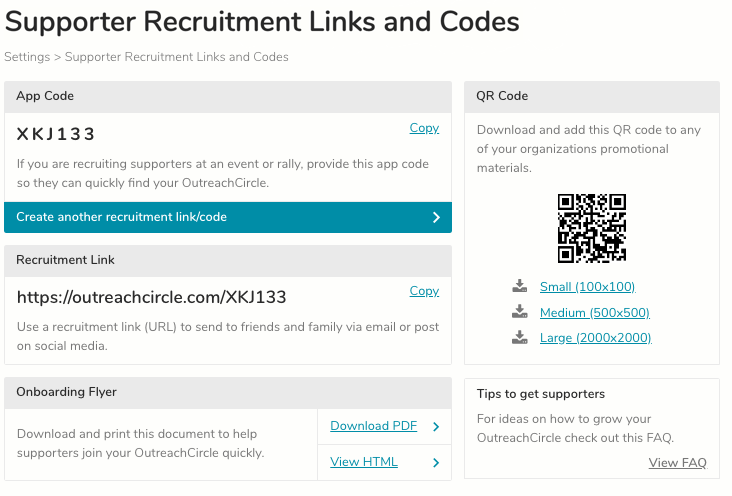
This will open the Supporter Recruitment Links and Codes.
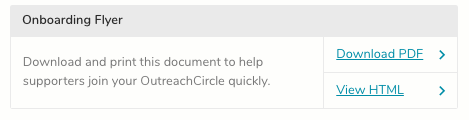
A downloadable and printable on-boarding flyer with your OutreachCircle's specific links can be accessed by clicking on "Download PDF" or you can view the same flyer by clicking, "View HTML"
- The Recruitment Link URL can be used in your Website, Facebook, or anywhere you can embed a URL to bring Supporters directly to your OutreachCircle, or can be directly emailed or texted to prospective supporters or volunteers.
- Supporters can directly input the App Code into OutreachCircle's Supporter platform to find and sign up for your OutreachCircle.
- QR Codes can be scanned into a Supporter's mobile device which will then bring them directly to your OutreachCircle.
Supporters have access to your OutreachCircle's recruitment link
To choose an OutreachCircle to share, in outreachcircle.com, either on your phone or on your computer, click on the "Account" button and then on "My OutreachCircles"


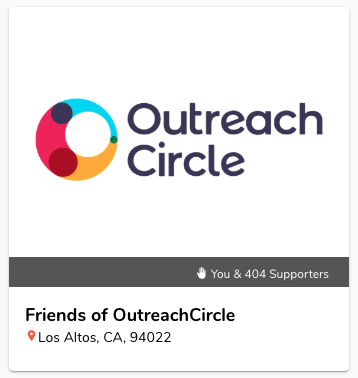
Scroll through your OutreachCircles until you find the one you want to share, then click on the logo (In the example below, I have chosen an OutreachCircle called Friends of OutreachCircle):
Then click on the "Recruit Friends" button, just below the logo, at the top of the feed:

This will display the QR code and the direct link to this OutreachCircle. To share in person, allow other people to scan the QR code using their mobile phone camera or QR code scanning app:
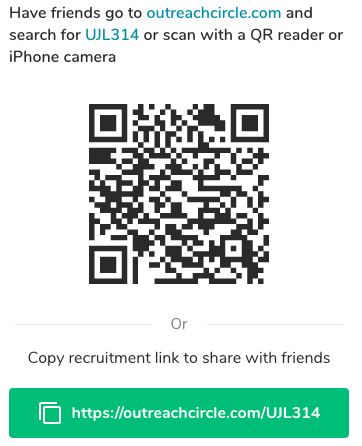
Or ask them to open their internet browser, such as Chrome, Safari, or Internet Explorer and type in outreachcircle.com and then the code for the specific OutreachCircle. (In this example, the complete address is "https://outreachcircle.com/UJL314".)
Or to share remotely, click on the green button and the link will be copied to your clipboard. You can then open your email or texting app and paste the link into a message to send to your friends.
Comments
0 comments
Please sign in to leave a comment.