
To configure your integration with NationBuilder, go to Settings in the left-hand menu, then click on Integrations and select NationBuilder. You will be asked to enter the slug and the token of your NationBuilder.
The slug is the first part of your NationBuilder URL. For example, if your URL is 'mycampaign.nationbuilder.com,' then the slug is 'mycampaign'.
You can find the token in your NationBuilder under Settings -> Developer -> API Token.
Once your integration is configured, new OutreachCircle supporters will be automatically added as people to NationBuilder. Additionally, any recruitment links in OutreachCircle can be linked to a NationBuilder tag, so when that people record is pushed, a tag is added as well.
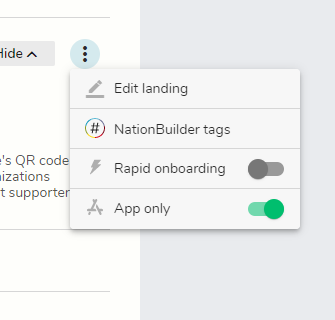
If you want a tag added to the supporter records, go back to Settings, click on Supporter Recruitment Links and Codes, and edit the link.
If you have questions, please reach out to outreachcircle@politicaldata.com.
Comments
0 comments
Please sign in to leave a comment.