
If you've integrated your PDI account with your OutreachCircle, you can use PDI survey questions in OutreachCircle surveys, sync PDI contacts as OutreachCircle supporters, sync OutreachCircle tags with PDI ID flags, and add PDI ID flags to your OutreachCircle recruitment links.
Setting up the Integration
To integrate PDI with OutreachCircle, complete the following steps.
Contact support@politicaldata.com to request an API key for OutreachCircle. PDI will send a one-time secret link that includes an API key, username and password.
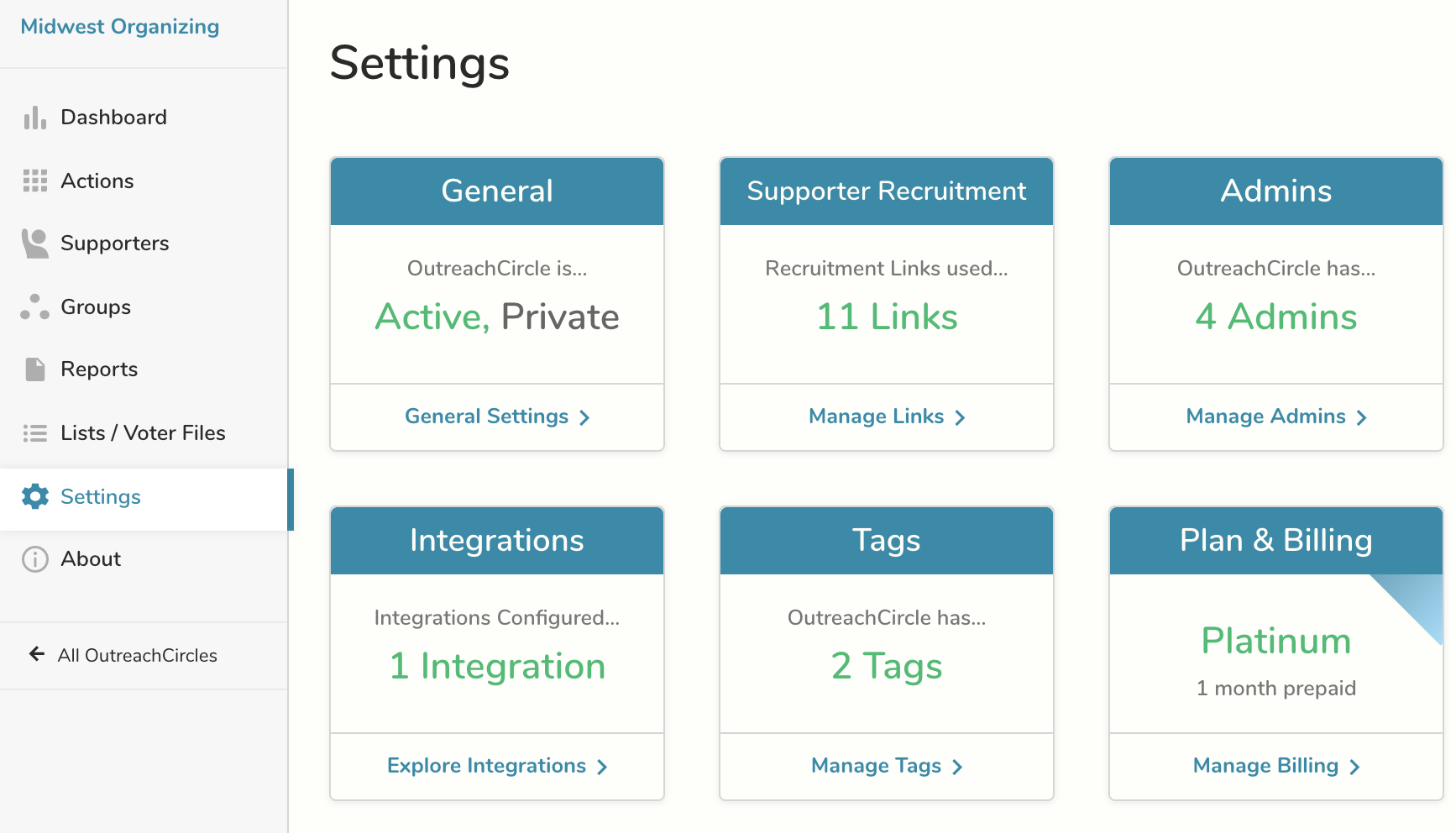
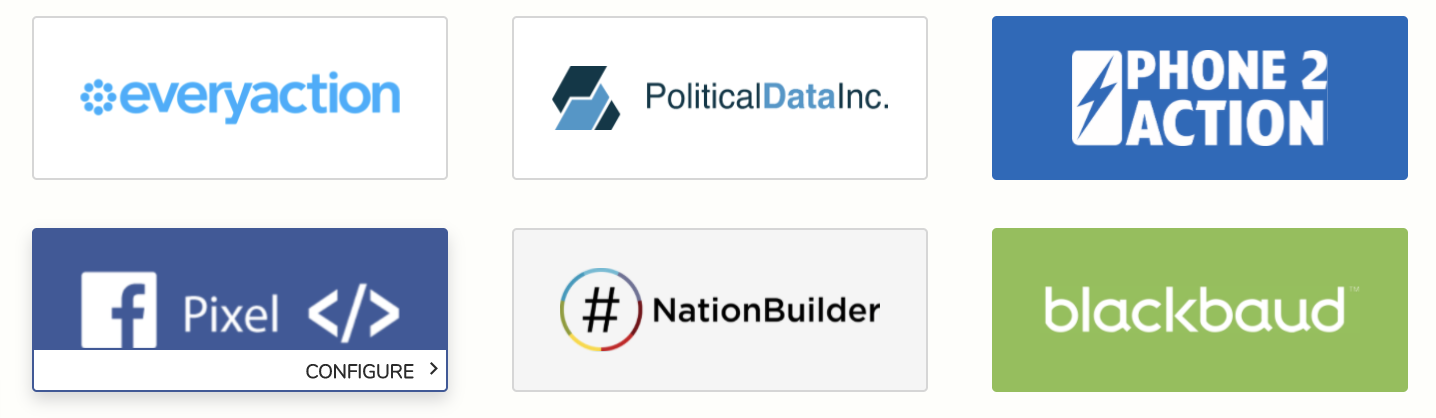
Go to Settings/Integration and click on the PDI icon.
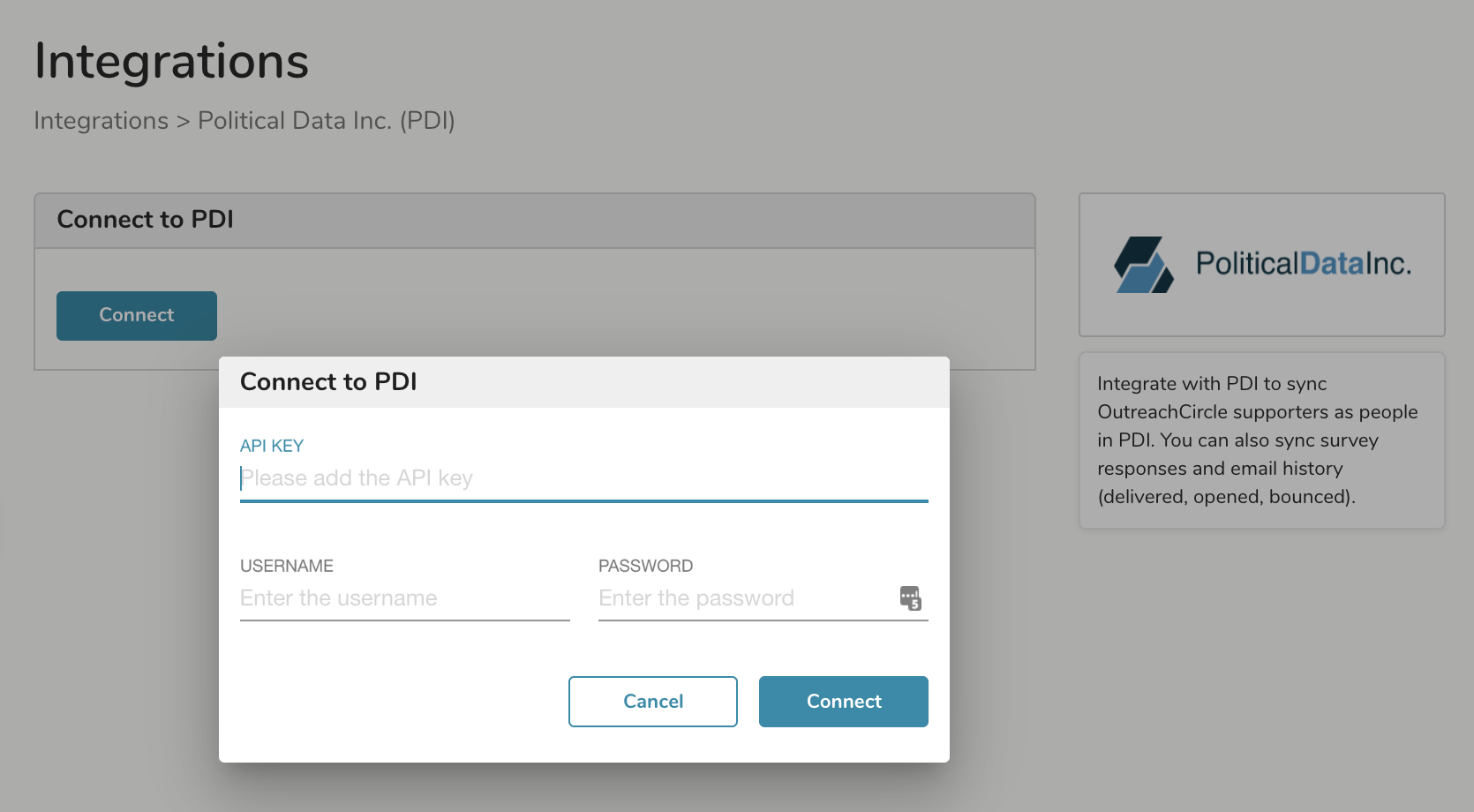
Click Connect and then enter the API Key, username, and password from the one-time secret link you received from PDI.
Applying Flags to Recruitment Links
Click on Apply Flags from the Integrations screen or go to Settings/Supporter Recruitment.
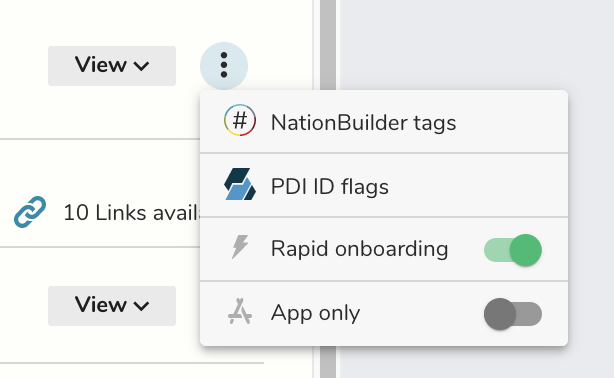
Click the three dots to the right of any link and select PDI ID flags.
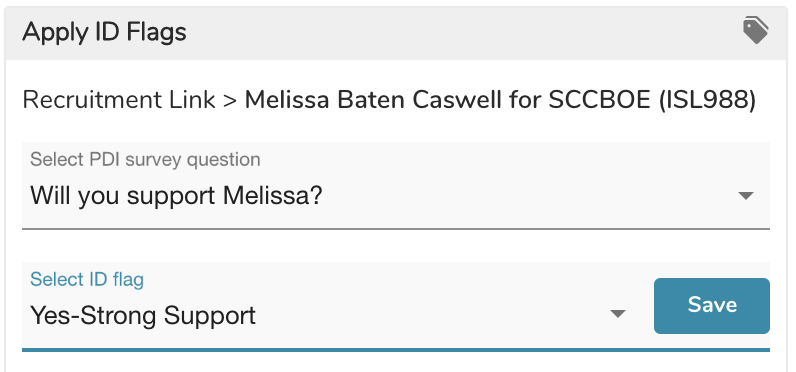
Use the drop downs to select the appropriate survey question and ID flag from PDI.
Comments
0 comments
Please sign in to leave a comment.