
OutreachCircle offers a set of downloadable buttons in three sizes, on both light and dark backgrounds. You can add these to your emails or website to give your supporters an easy way to join OutreachCircle.
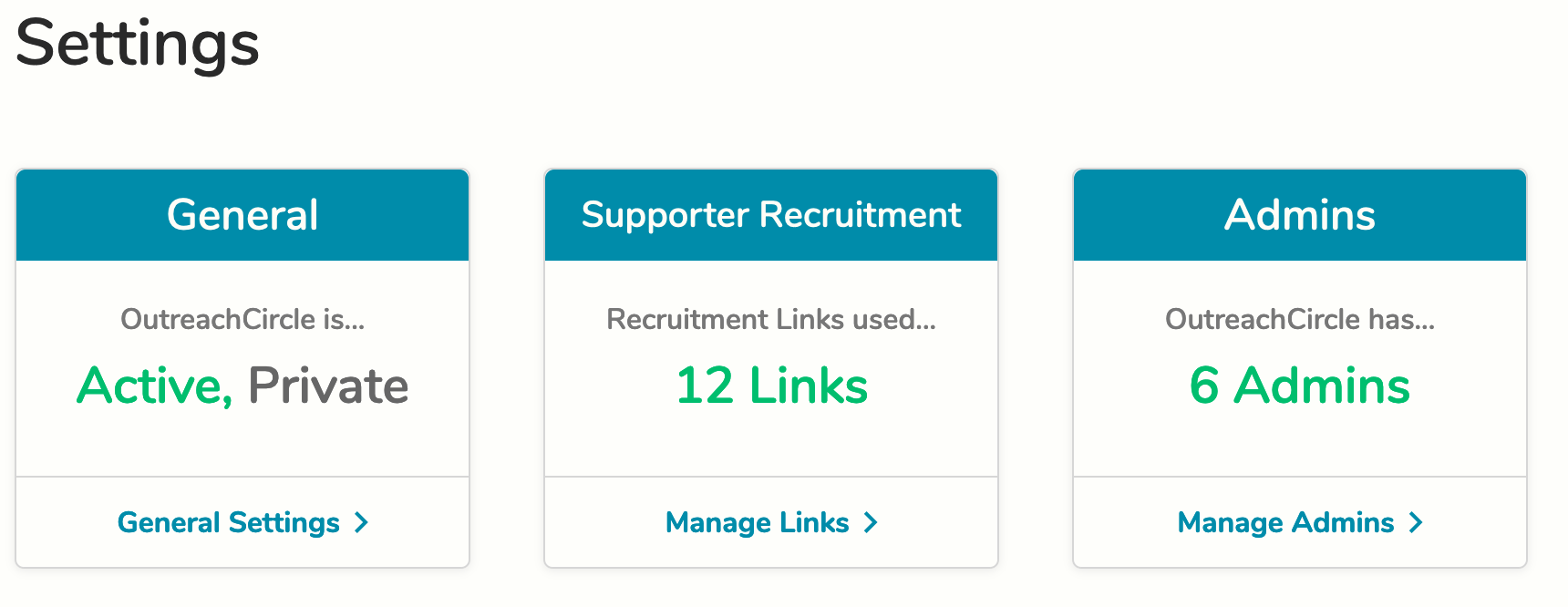
Go to Settings > Supporter Recruitment Links and Codes.
Click to view the link you want, then scroll down to download buttons.
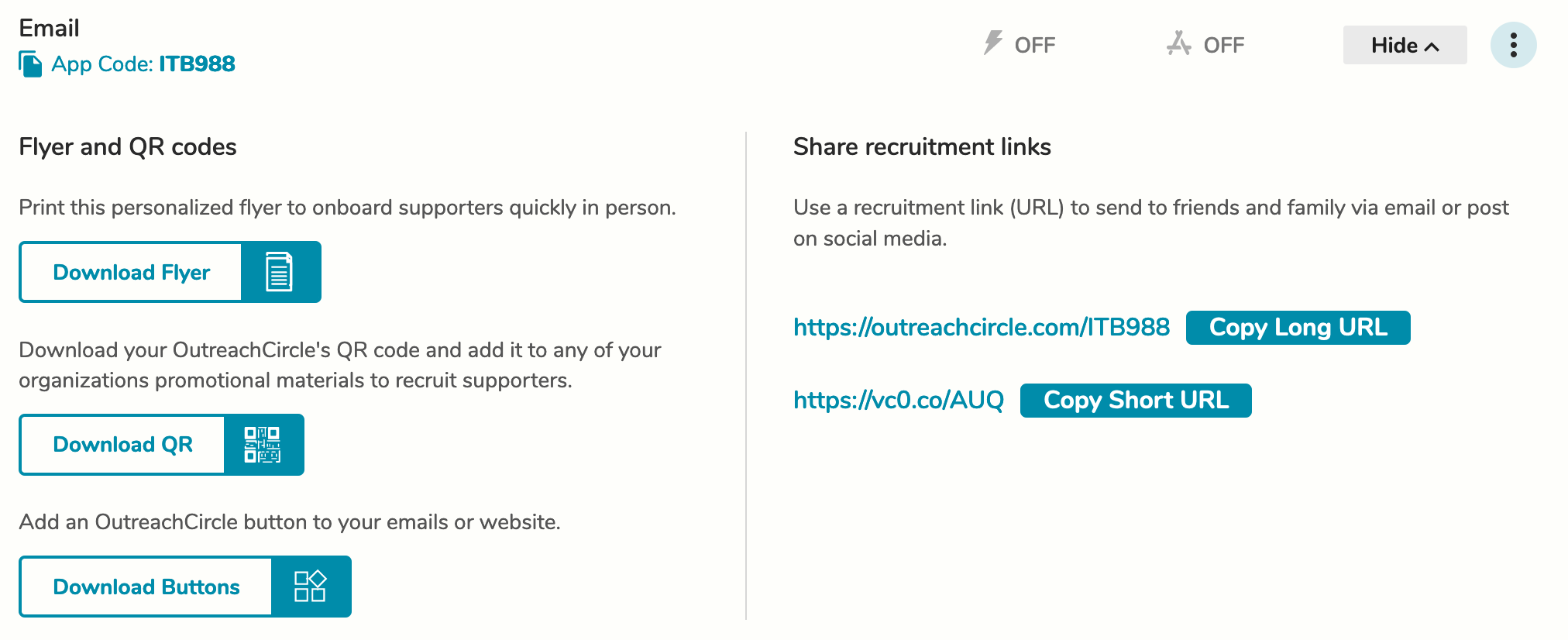
You will get a .zip file containing eighteen different HTML files for OutreachCircle buttons (with different text, sizes, and backgrounds).
To add a button to your email or website, open the HTML file for the button you want to use. It will open a new tab in your browser. Copy the button from the new tab and paste it into your email or website.
The buttons will have the same behavior as the link they’re tied to. When clicked, they will open OutreachCircle in a browser, or if the link is app-only they will go to OutreachCircle in the Apple App Store or the Google Play Store.
Comments
0 comments
Please sign in to leave a comment.