
Note: Outreach Circle has two sides:
- Clients administrate their campaign and set up actions: https://client.outreachcircle.com/
- Supporters can complete actions for the campaign, such as email or texting friends, re-share facebook and social media posts and get updated information from the campaigns they support: https://outreachcircle.com/
Getting Started as a Supporter on OutreachCircle
A short how-to video for OutreachCircle Supporters: https://youtu.be/OpdHGZ4KK-Q
A short video about OutreachCircle Supporters:
https://client.outreachcircle.com/resources/videos/OutreachCircle-Supporter-Platform
On any device, navigate in your internet browser (Chrome, Firefox, Safari, Internet Explorer, etc) to https://outreachcircle.com/ (no app necessary for most usage, but the app is required for texting).
Search for a cause to support.
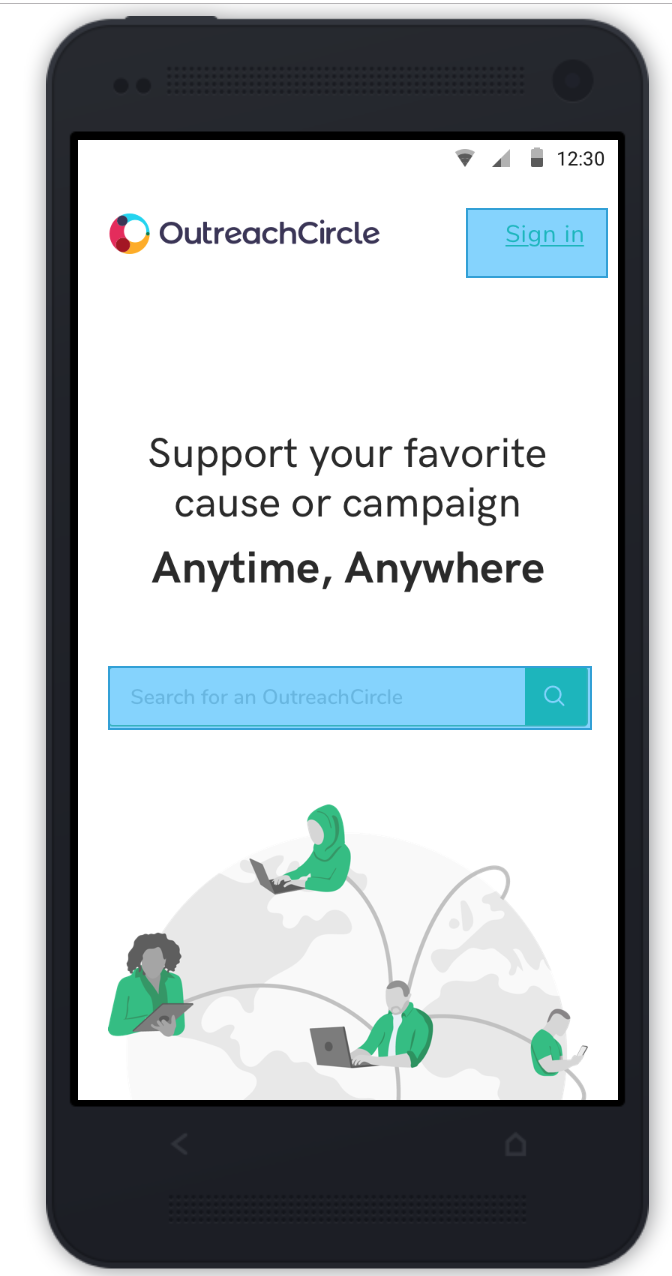
Causes can be searched for by name, location or app code.
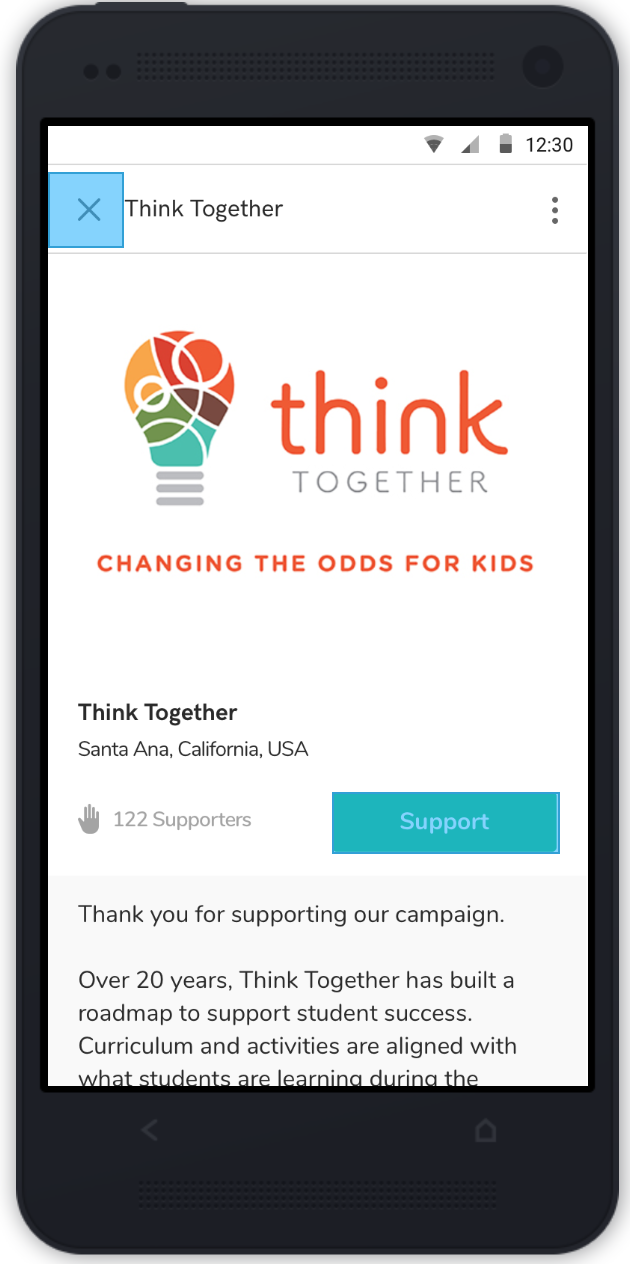
When you find your chosen cause, click “Support."
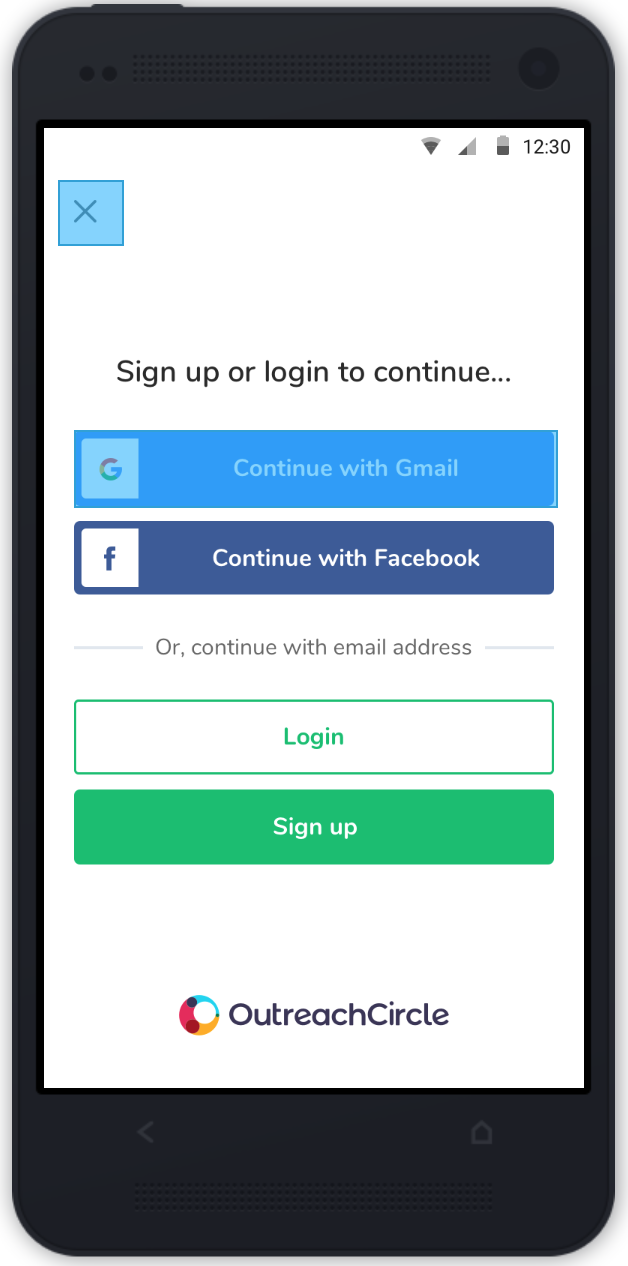
At the log-in or sign-up page, you can choose to log in using your Google or Facebook account, or you can make a separate login. It usually takes no more than 5-10 seconds to sign up, and will only ask for your name, email, phone number and zip code.
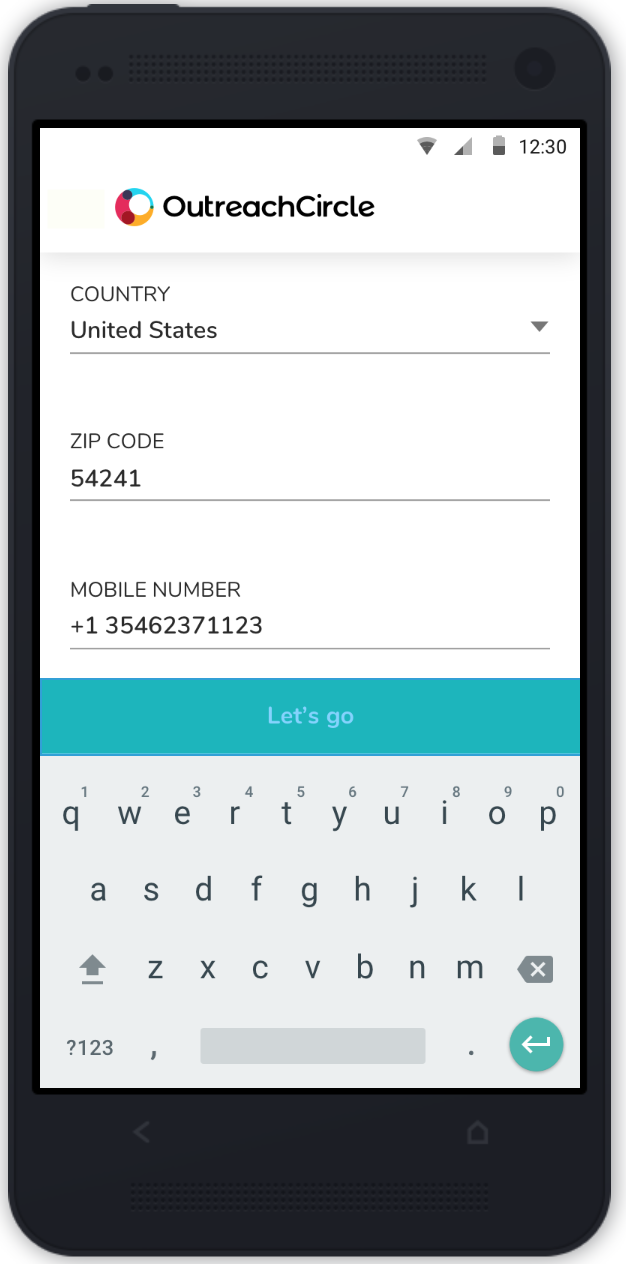
Then you will be taken to your homepage, which shows actions for the OutreachCircles that you support. You can support multiple OutreachCircles on one supporter account.
The actions are presented in a feed, each action with a headline, description, and clickable button to complete the action.
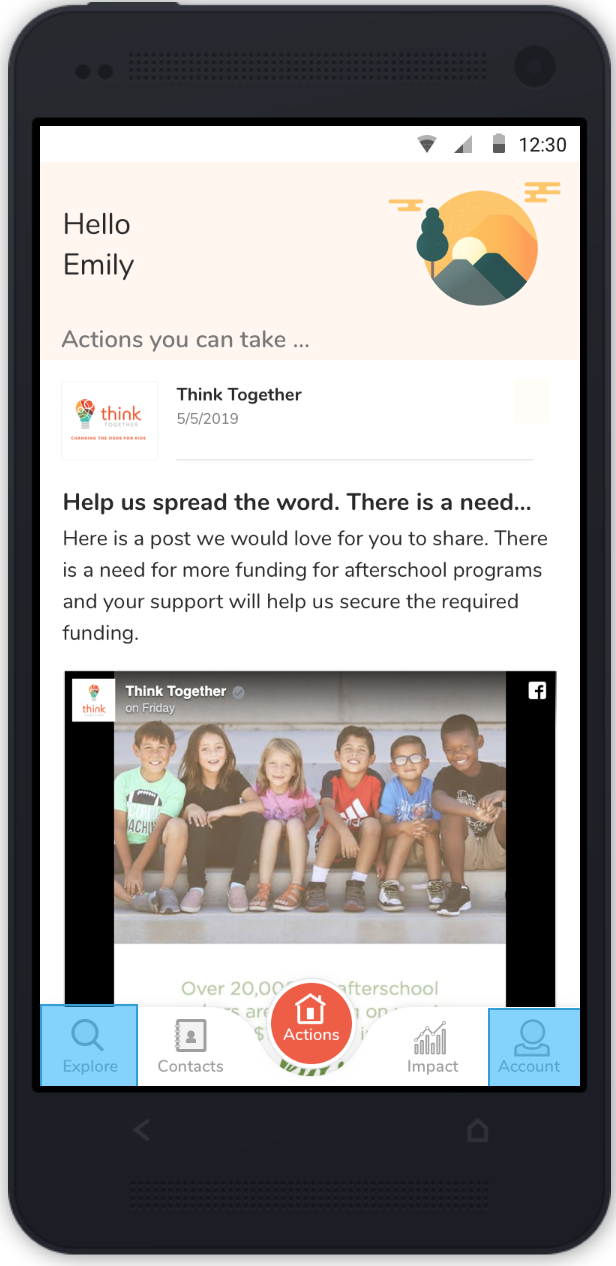
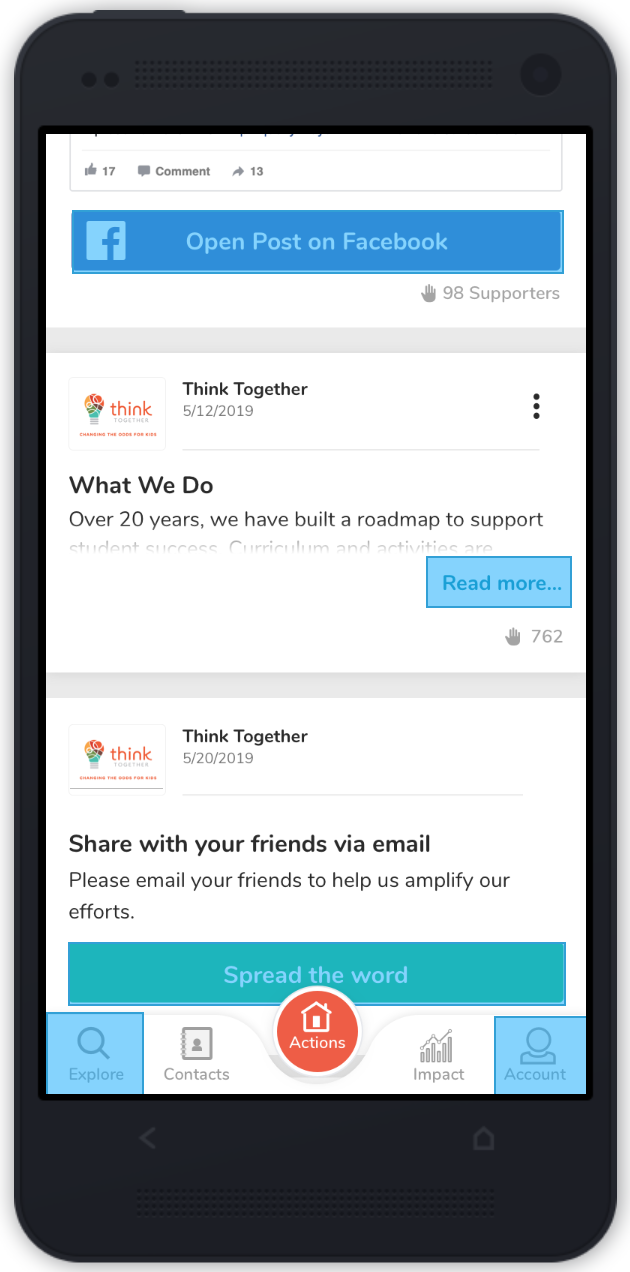
When you choose to complete an action, the app will walk you through each step. For example, here are the steps in an Email/Text Friends action.
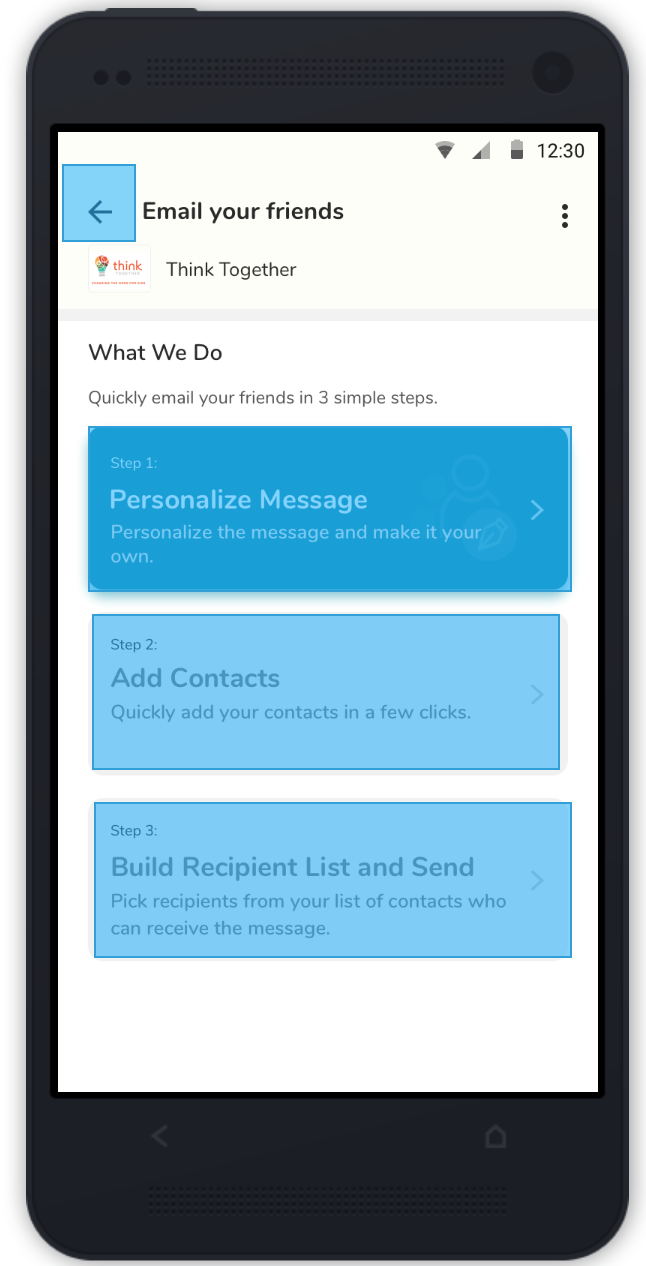
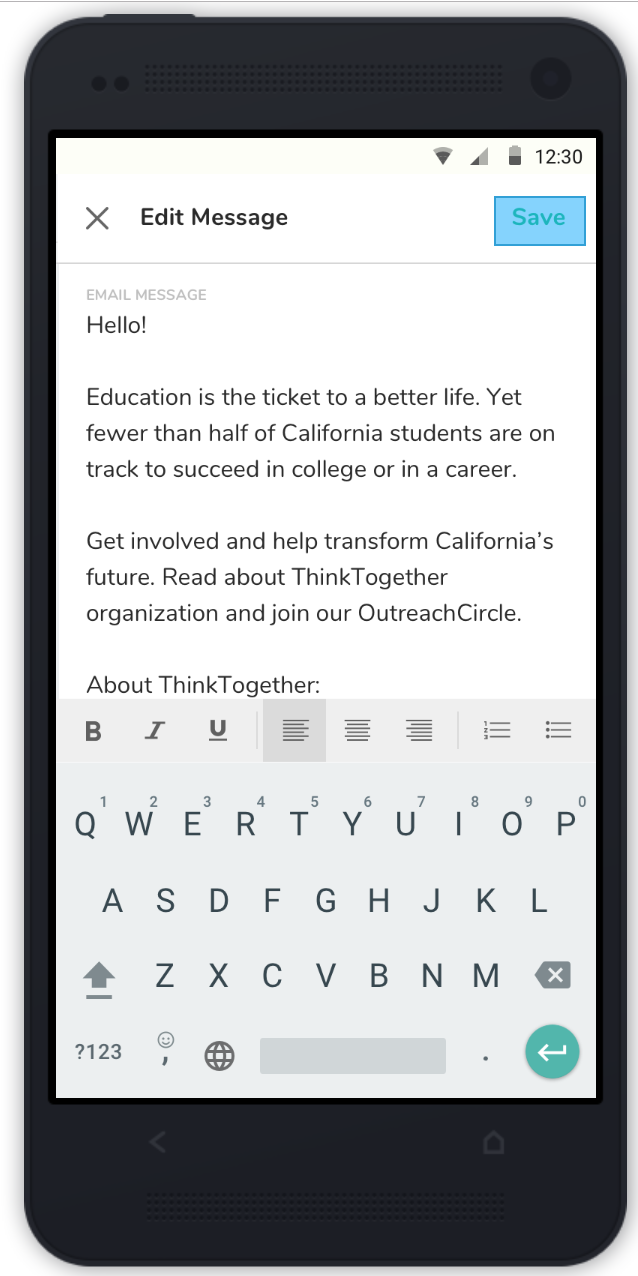
1. Personalize the email/text message
2. Add your contacts
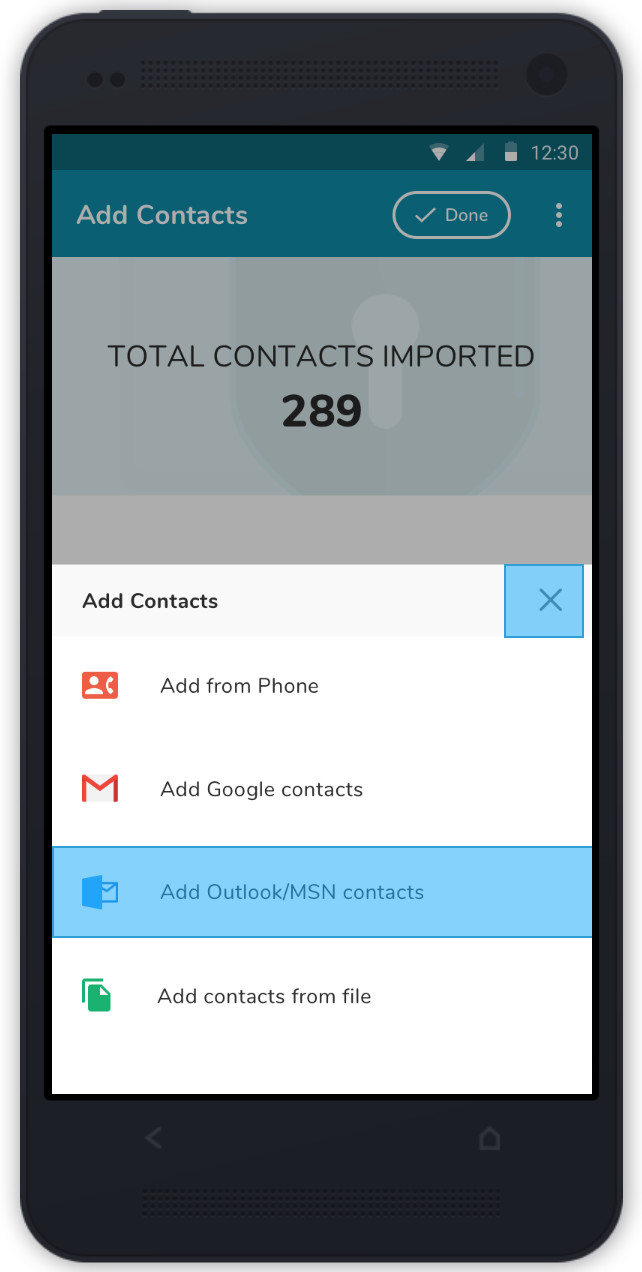
3. Build a list of contacts that match the campaign’s list and choose who to send the message to from that list. (There will be two lists to view: the matched list, and the ambiguous list with matches you will need to double-check.)
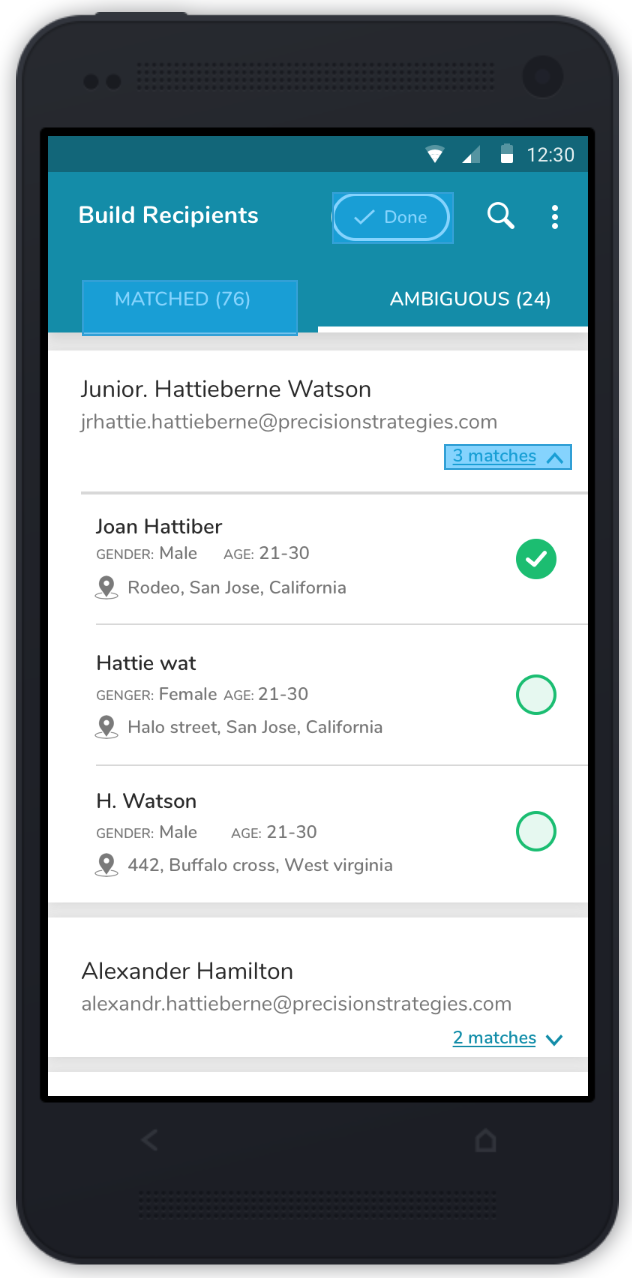
Once you have chosen who you want to receive the message, you can send your message.
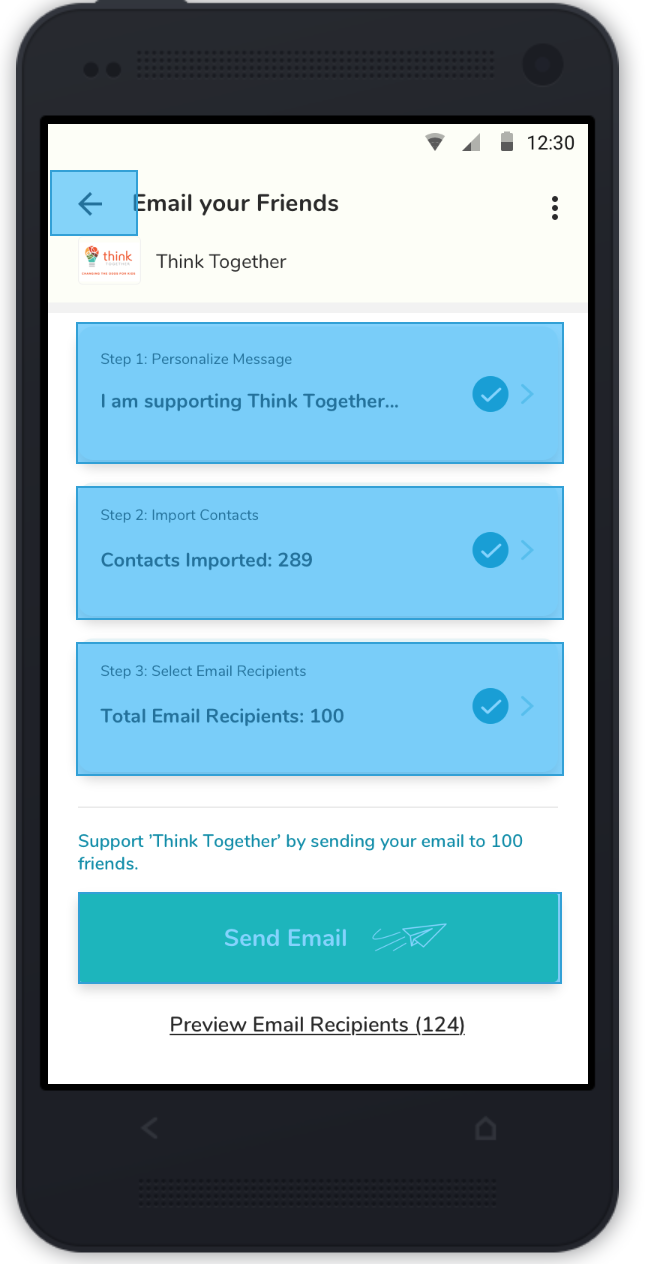
You will then be taken back to your feed.
Comments
0 comments
Please sign in to leave a comment.