
The OutreachCircle app is available in English, Spanish, and French. Supporters can change their language preference in their Account page. Administrators can also streamline the process so supporters automatically see content in their preferred language. Here's how to segment supporters according to whether they speak Spanish or English. The process is the same for other combinations of available languages.
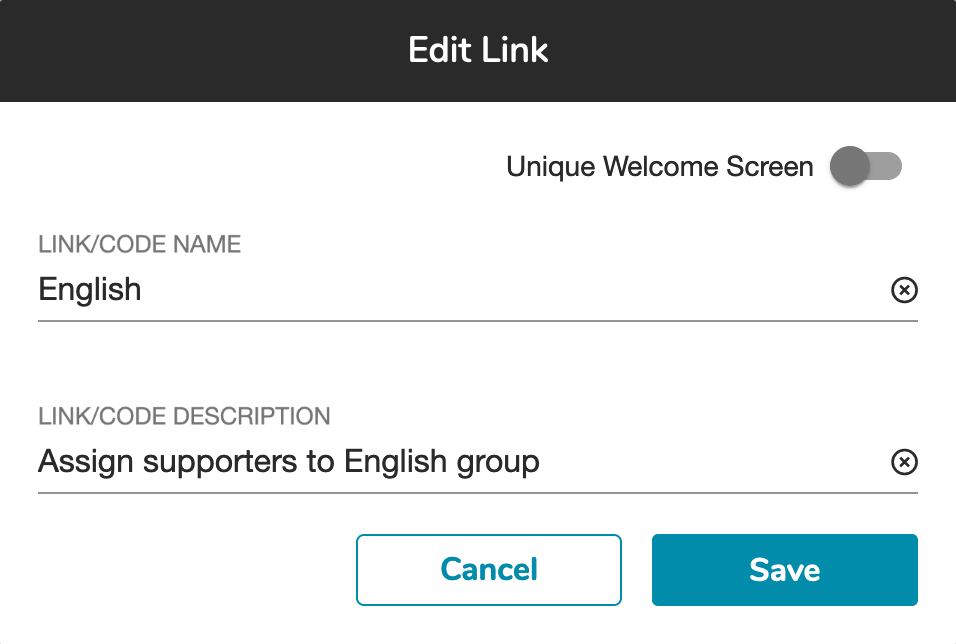
Go to Settings and create different recruitment links for Spanish and English speakers.

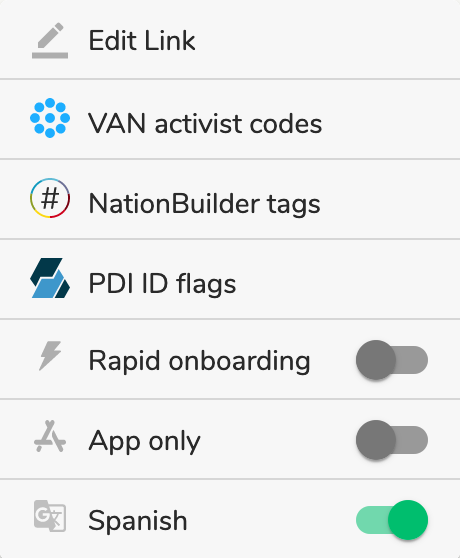
For the Spanish link, click on the menu next to the View button. In the menu, toggle the Spanish option on, which will make Spanish the default language of the app for supporters who join with this recruitment link. The flyers for your recruitment links will be in the preferred language for that link as well.
If supporters want to change their language preference, they can do so by going to their Account page and toggling between Spanish and English.
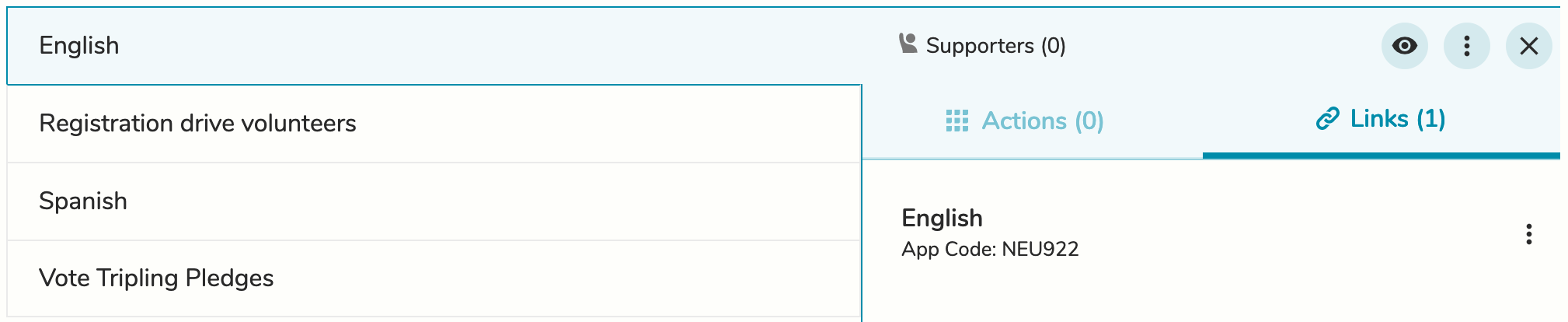
Then, go to Groups and create one group for Spanish speakers and another for English speakers. For each group, add the relevant recruitment link, so supporters will be added to the correct Group when they join. For information on adding links to Groups, read this FAQ.
Now that your supporters can be segmented by language, you can show them relevant actions. Create two separate versions of each action: one in Spanish and one in English.
Then go to Groups. Add the version in English to the English-speaking group, and add the version in Spanish to the Spanish-speaking group.
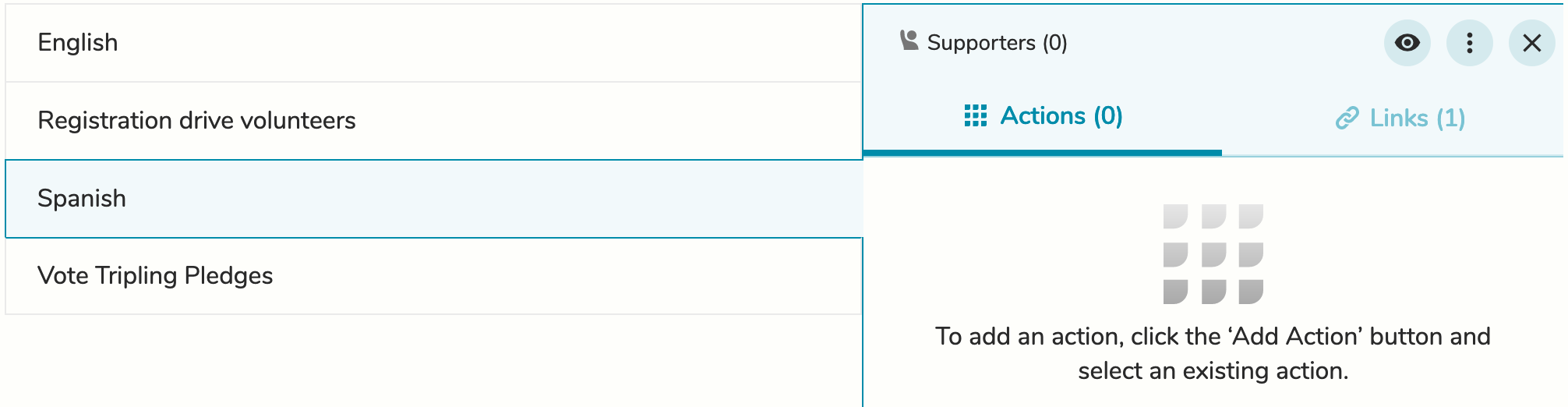
Supporters will only see the version assigned to their group, so the content in their feed will all be in their preferred language. They will also receive emails in their preferred language.
Comments
0 comments
Please sign in to leave a comment.