
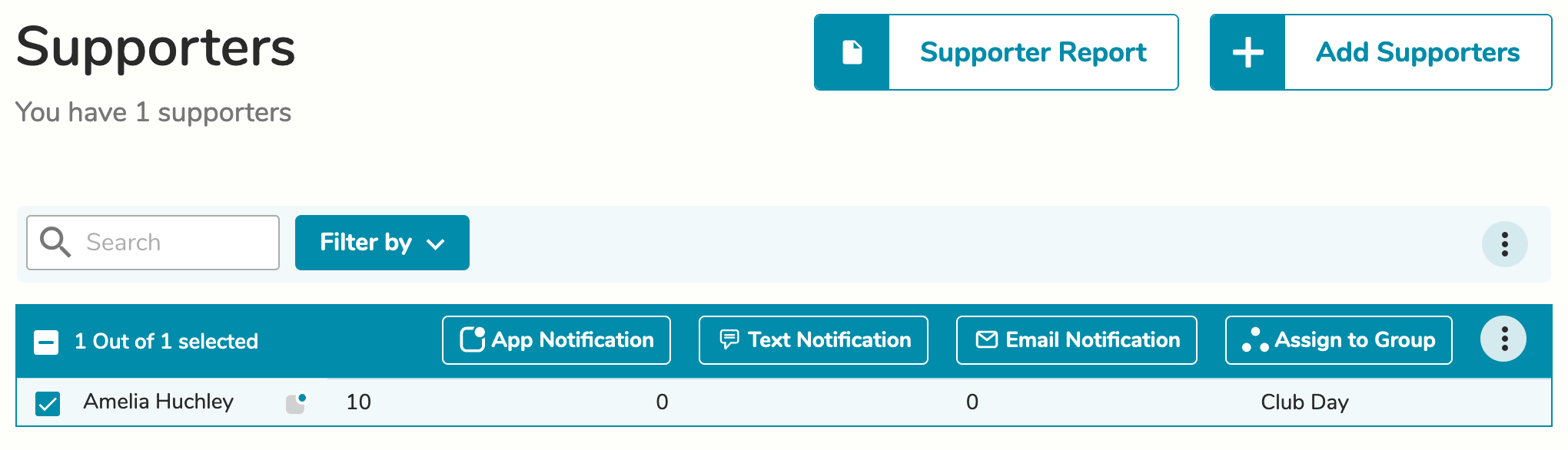
To send text messages to supporters, navigate to the Supporter screen.
Select the supporters that you wish to message and then select the Text Notification button. The supporters you select will be put into a list.
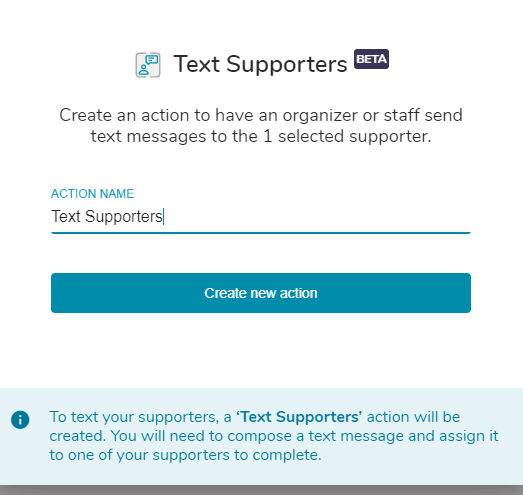
On the pop out window, name your Text Supporters action.
On the Edit Action page, you will assign texting the list of supporters you just created to another supporter (the person doing the texting must be a supporter of your circle).
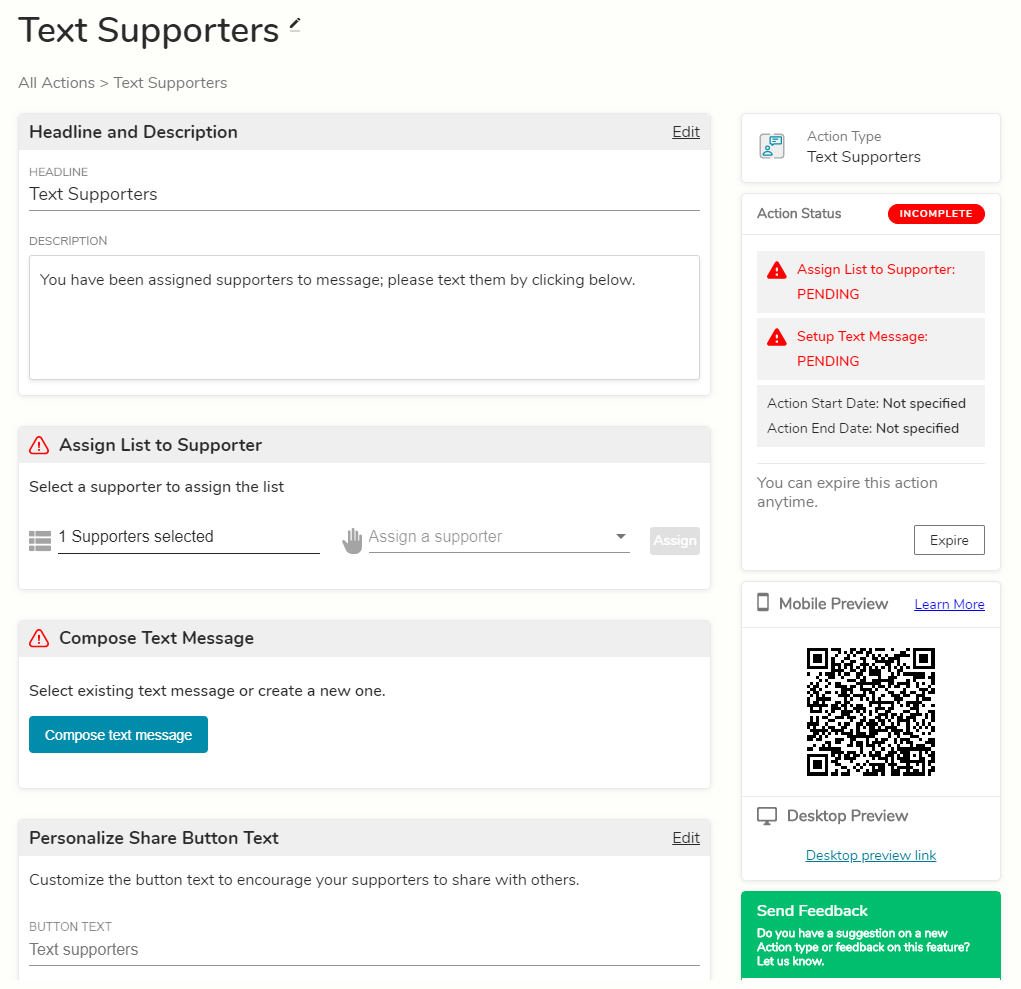
You will also need to add a template text message to be sent to the supporters. Additionally, you can modify the headline, description, and button text if you wish.
Comments
0 comments
Please sign in to leave a comment.