
Affinity Texting
Affinity texting is like P2P texting, but similar to relational outreach, messages come from your own phone number. Supporters are assigned a list of people to contact instead of importing their address book. Some use cases include:
- Fundraising - candidates, EDs, or fundraising staff can quickly text donors to contribute before a quarter end deadline
- Union member to member outreach - members can text other members to show up at lobby days, rep councils or protests
- Organizers - can be assigned volunteers to build long term relationships with
- Neighborhood canvassing - have volunteers text voters in their neighborhood
- Delegate organizing - build relationships in the lead up to endorsements or keep track of everyone at conventions
Here is a GIF walking through what supporters will do to complete an Affinity texting action.
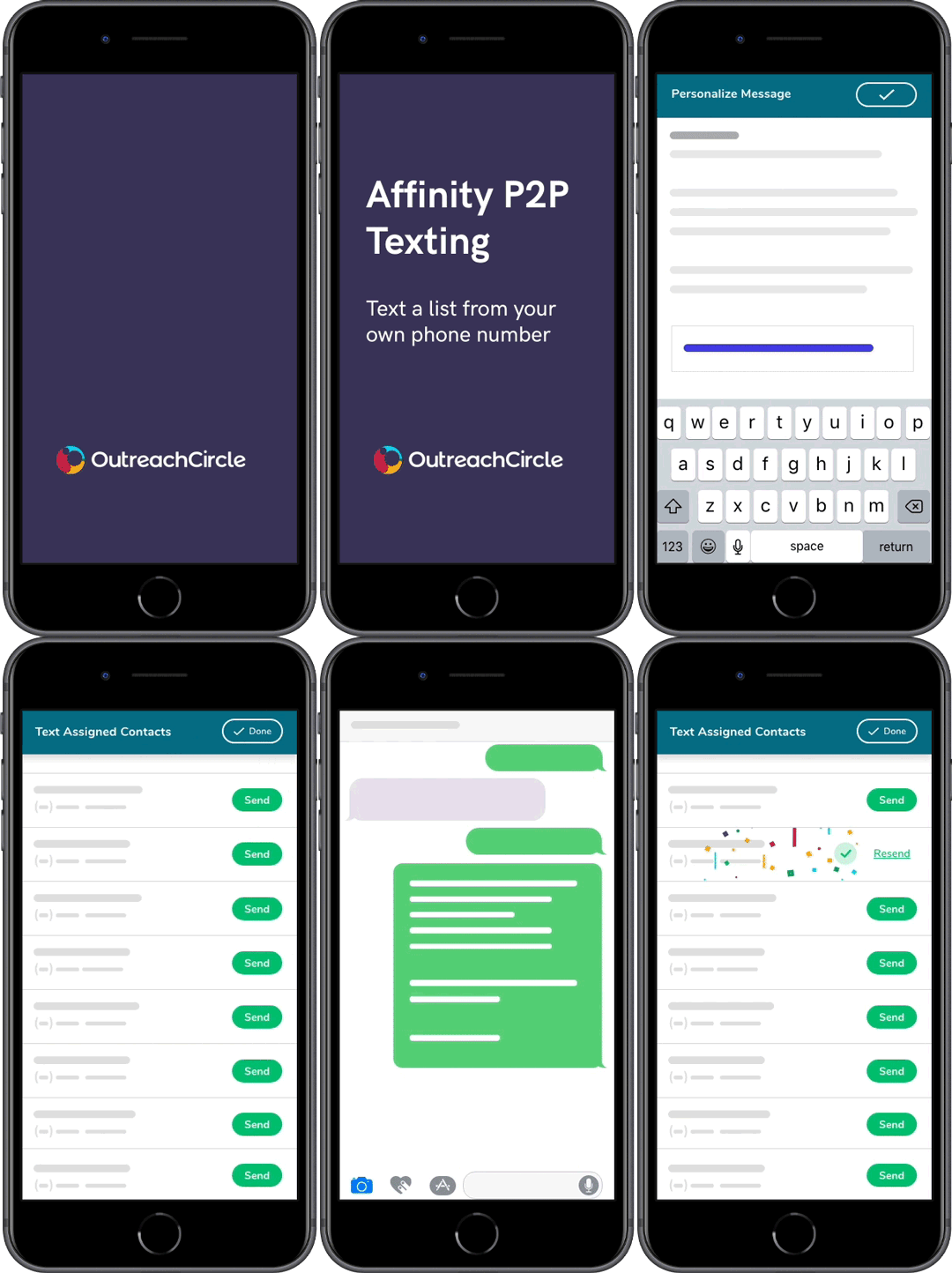
Creating a Text a List Action (Affinity P2P Texting)
Go to the Actions Overview to see the steps to set up the basic information for the Action.
Once you have created the action, click "Continue Setup."
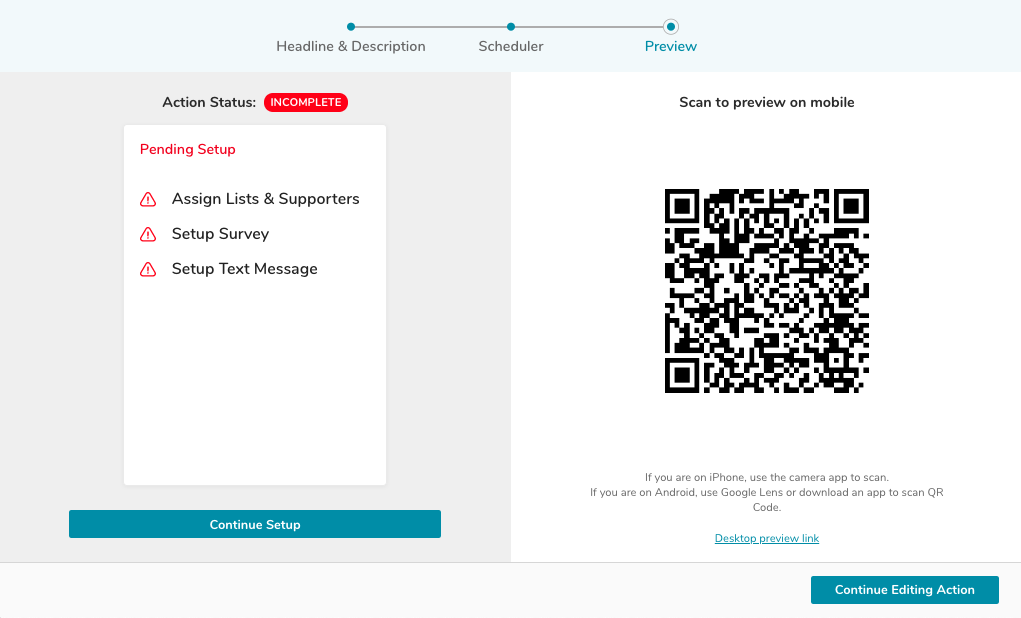
Navigate to the second panel to assign lists to supporters. Note: If you have more than 20 lists to assign, please contact outreachcircle@politicaldata.com.
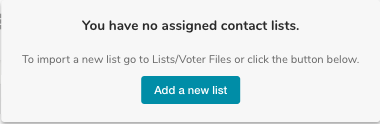
If you have not added any lists, you will first need to upload a list. Read the Importing Lists article to learn more.
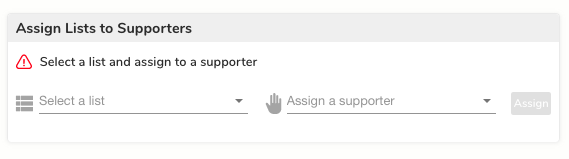
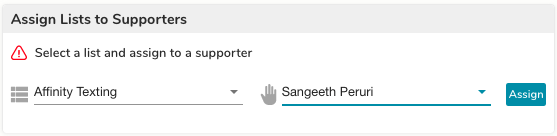
In the respective drop downs, select a List and Assign it to a specific supporter.
If desired, add a Survey. Read the Survey Friends FAQ to learn more.

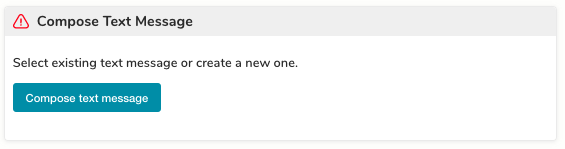
Follow the steps to compose a text message and click "Save and Exit."
Enabling Supporters to Upload Affinity Lists to their Phone Address Book
To make sure that we protect recipients' privacy, this feature is only available to specific clients depending on their use of Affinity texting. If you would like this feature enabled, please contact outreachcircle@politicaldata.com.
Once this feature is enabled, supporters can upload affinity text lists from the OutreachCircle mobile app into their phone address book in the following manner.
1) Click on "Text List of Contacts" from within an Affinity Texting action.
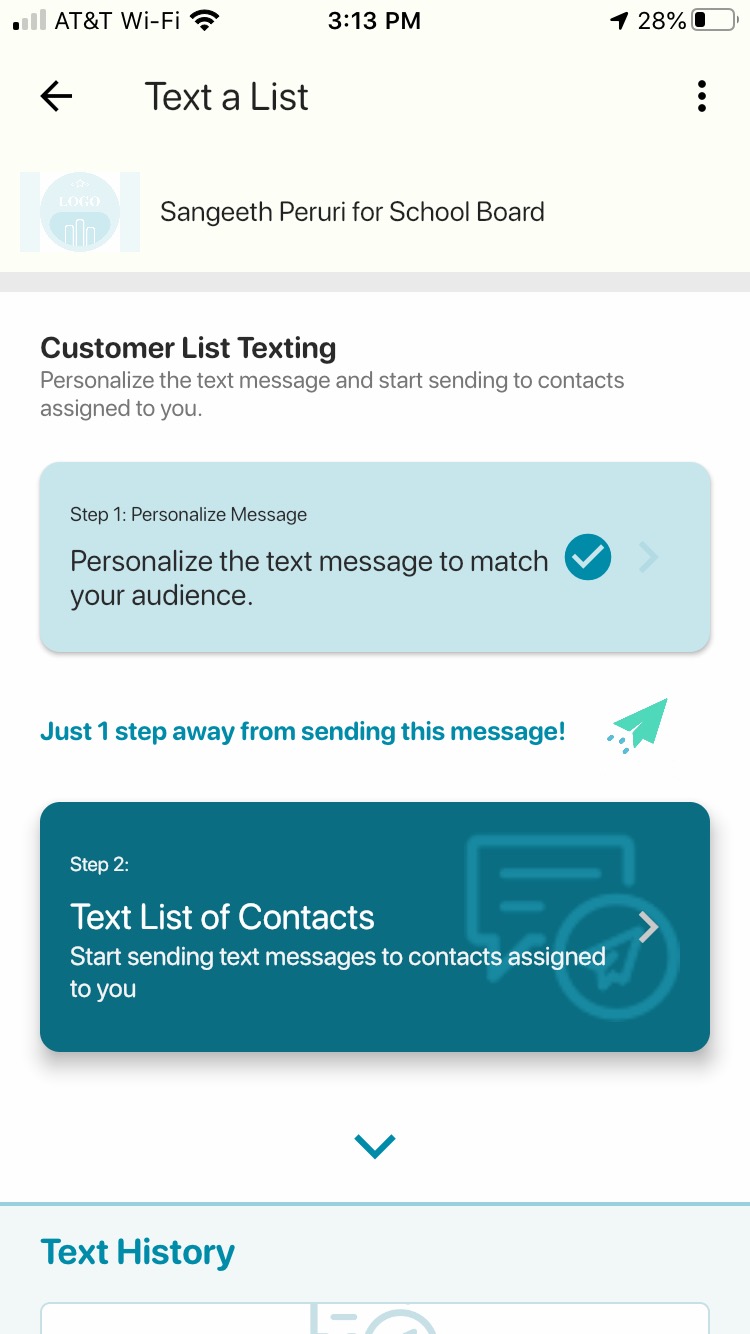
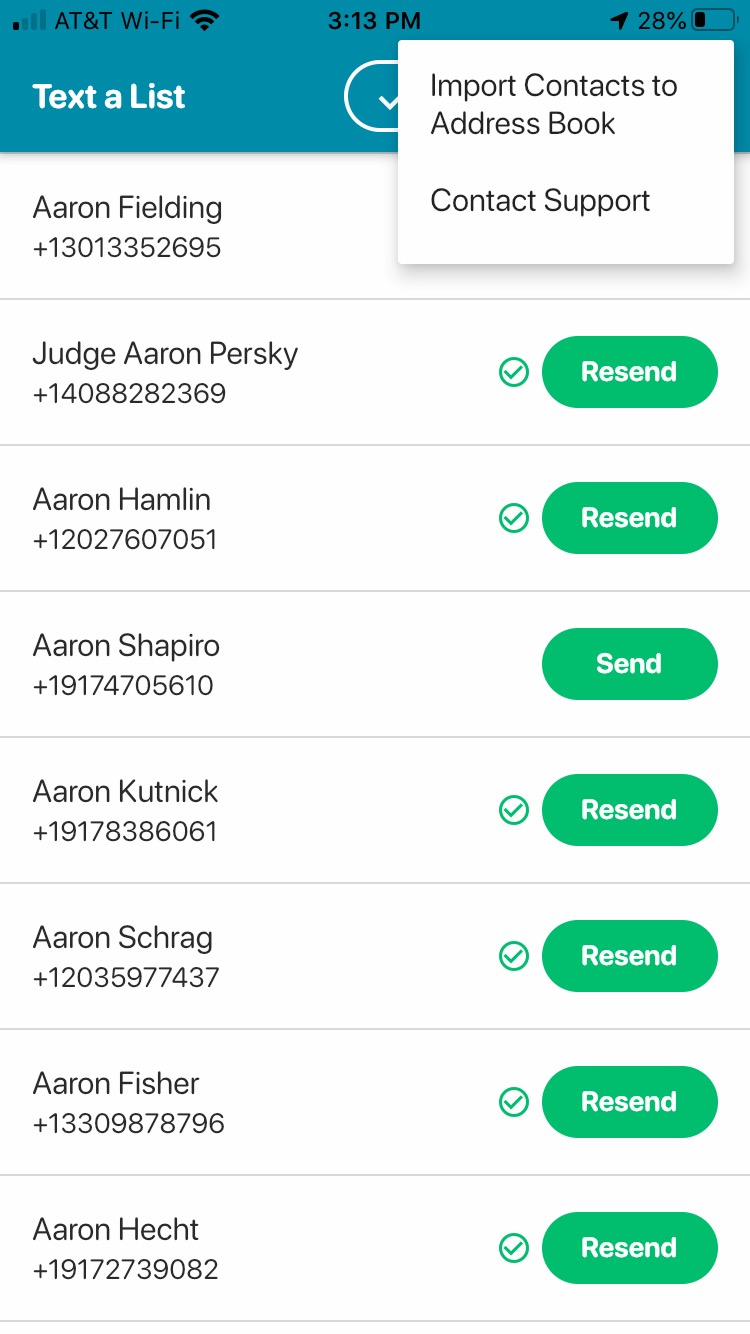
2) Select the the 3 dots in the top right corner of the screen and select "Import Contacts to Address Book."
Bulk Upload of Affinity Texting Lists
If you have a lot of Affinity texting lists, the process can get tedious, especially if you have more than 5-10 lists. Contact outreachcircle@politicaldata.com and we will upload the lists for you. Please include a file in the following format.
https://docs.google.com/spreadsheets/d/1KdmJhuW0KYpvN5OxhJSVoisn24298qrhFxu_4FV03WE/edit?usp=sharing
Comments
0 comments
Please sign in to leave a comment.