
Supporter Forms Actions can be used to gather information from your supporters like when and how they’d like to volunteer, where to place yard signs, or asking for endorsements and testimonials.
Creating a Supporter Forms Action
Begin by following the instructions on the Actions Overview for creating and activating new Actions.
You can either build your form in the setup wizard, or you can click Next and build it later. Finish the wizard and click Continue Editing Action, then click on Build Form if you didn’t create your form already.
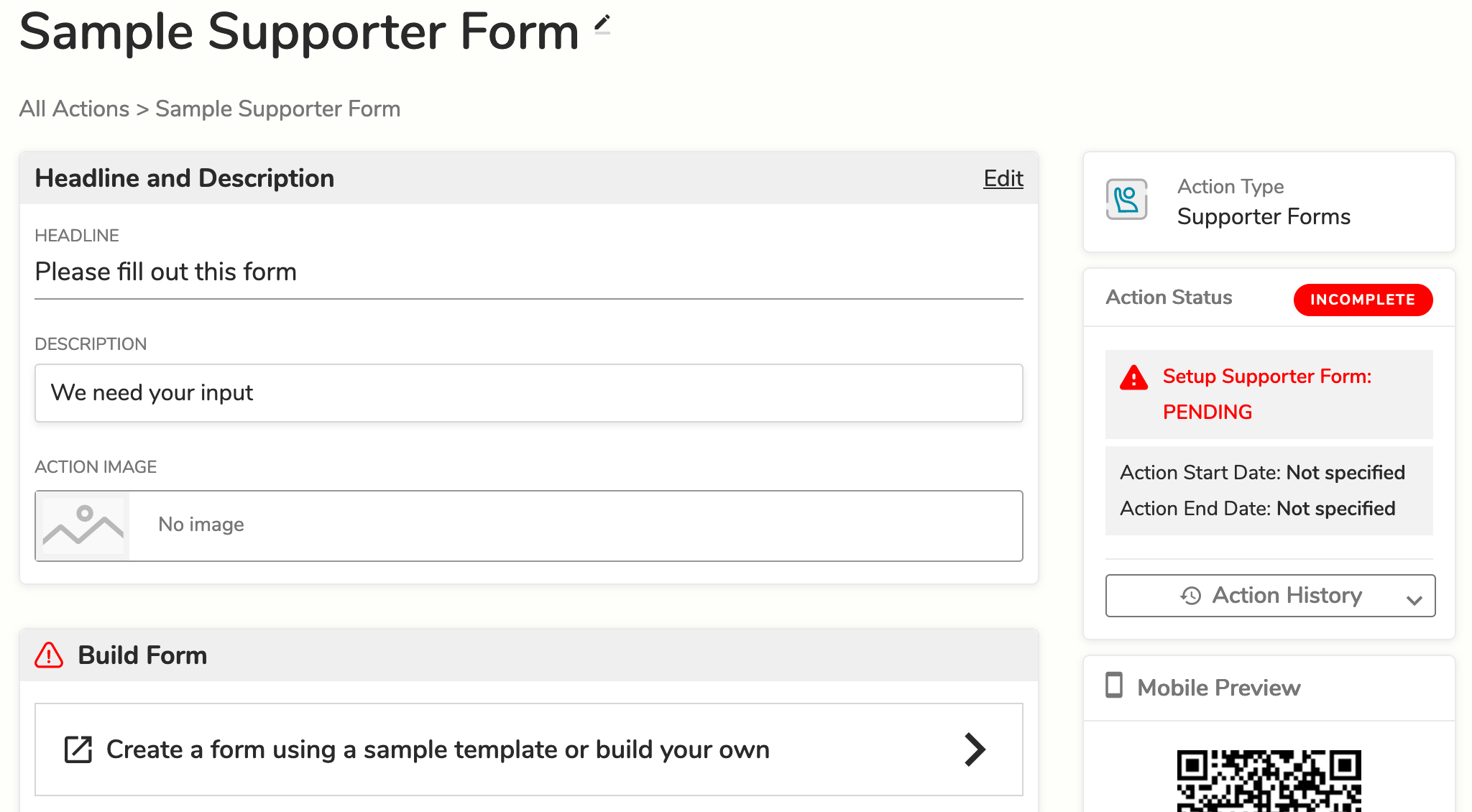
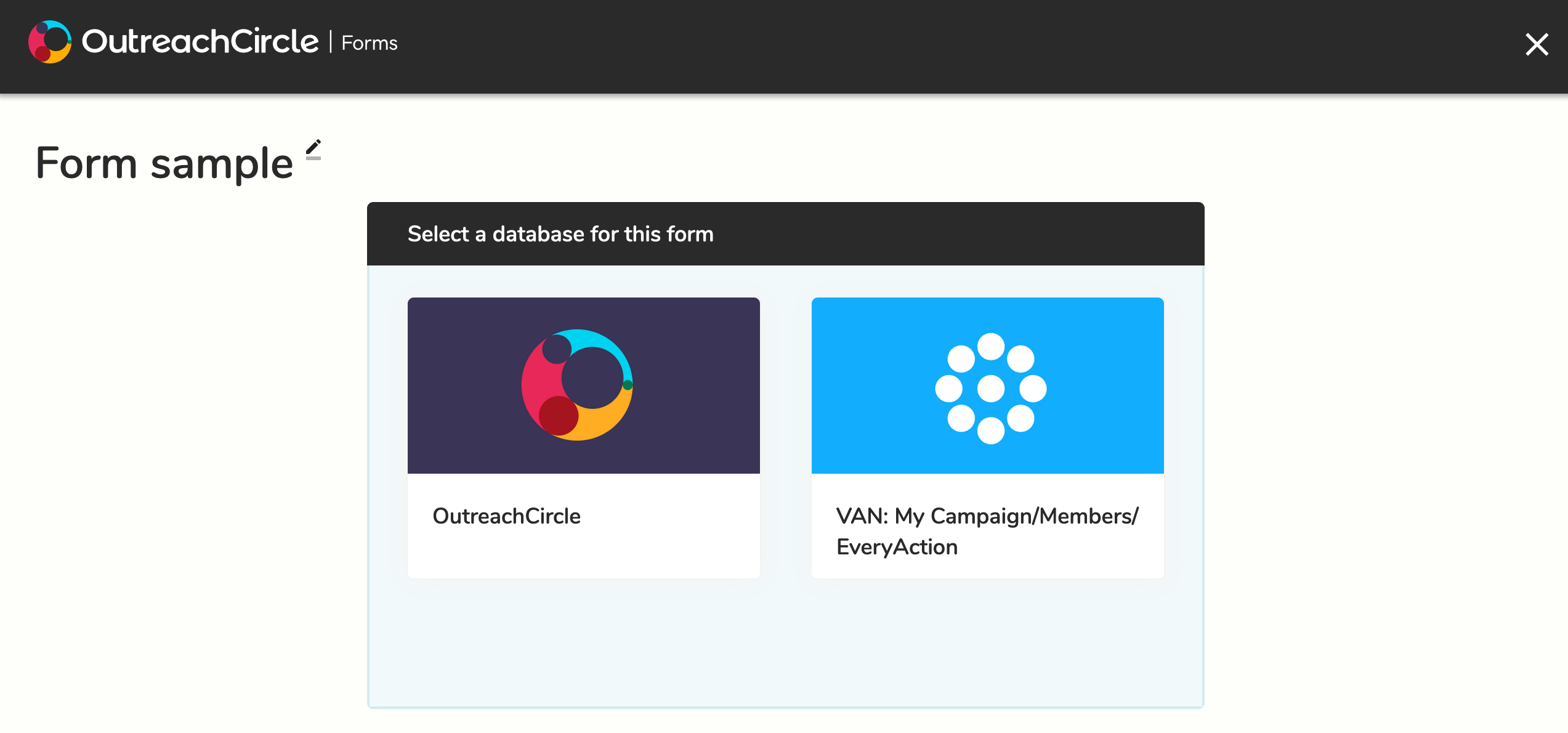
In the Form Builder, you can either select a previously created form or build a new one.
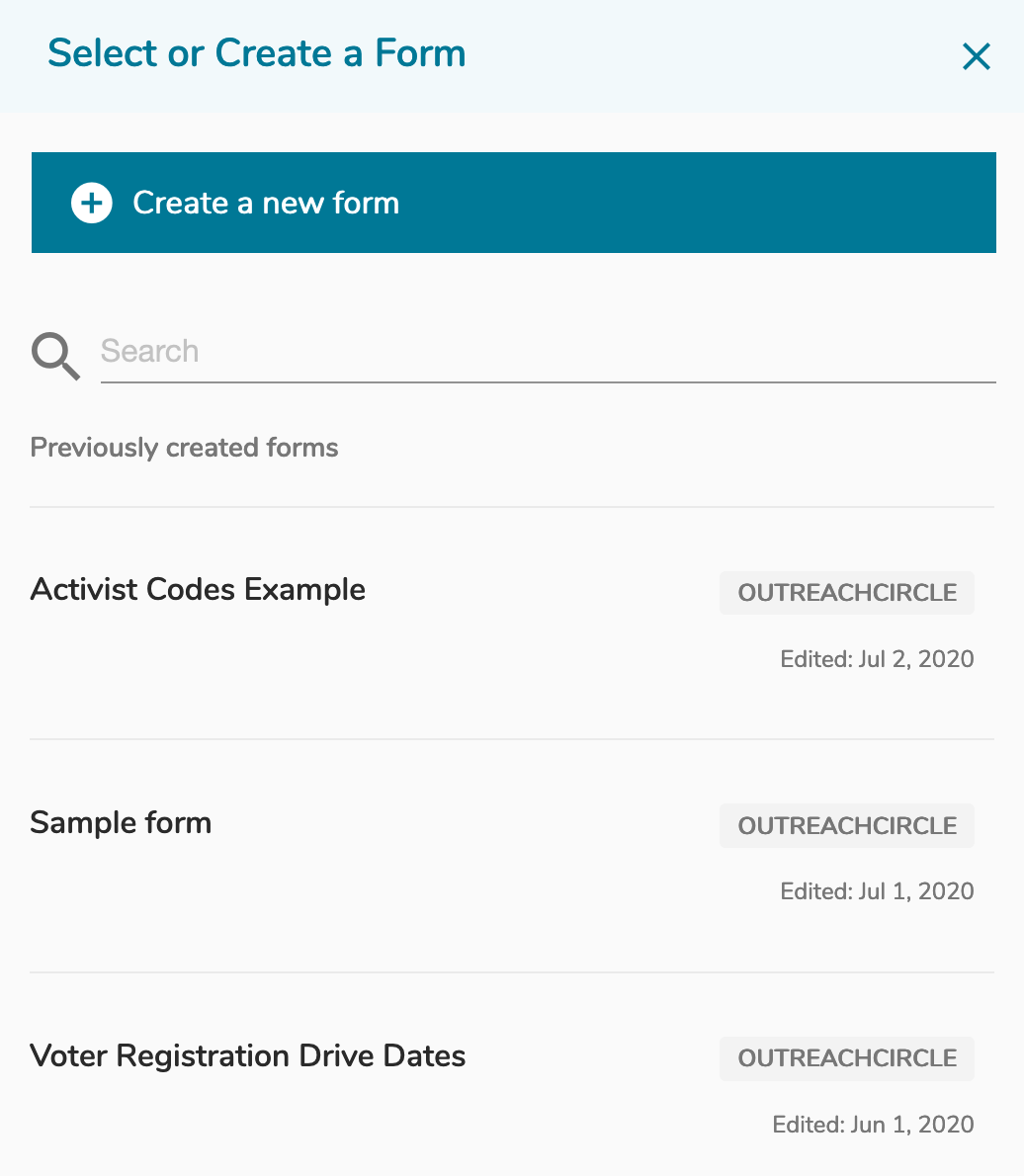
Select a database. You must integrate your VAN with your OutreachCircle to select the VAN database. The responses from your supporters will be added to the database you select.
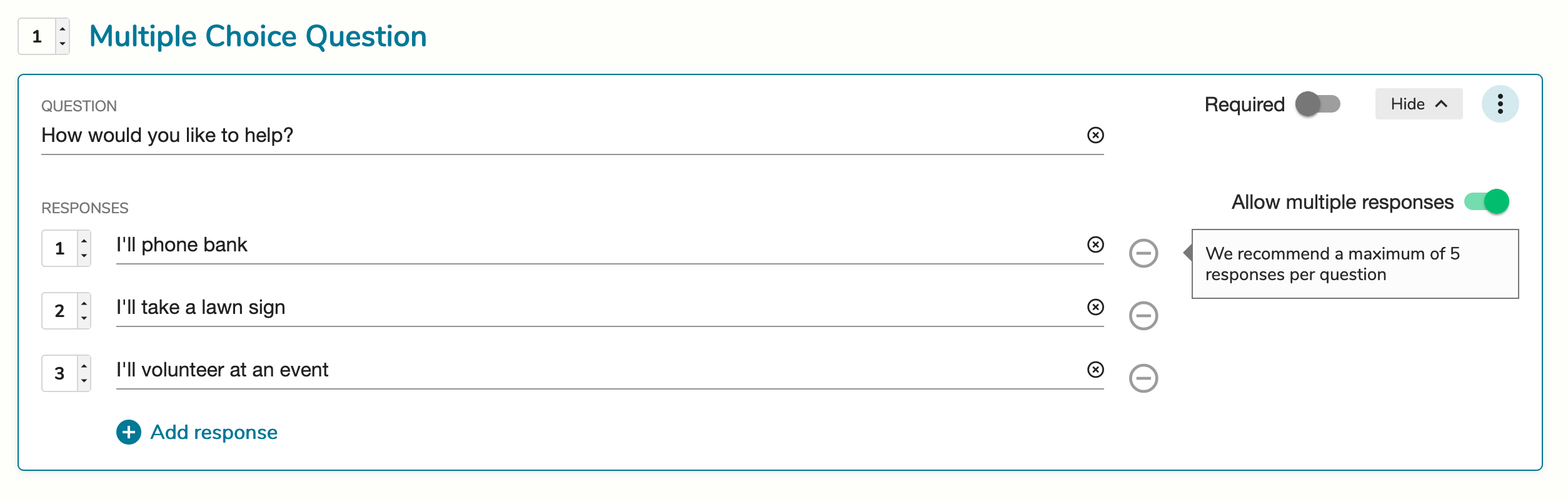
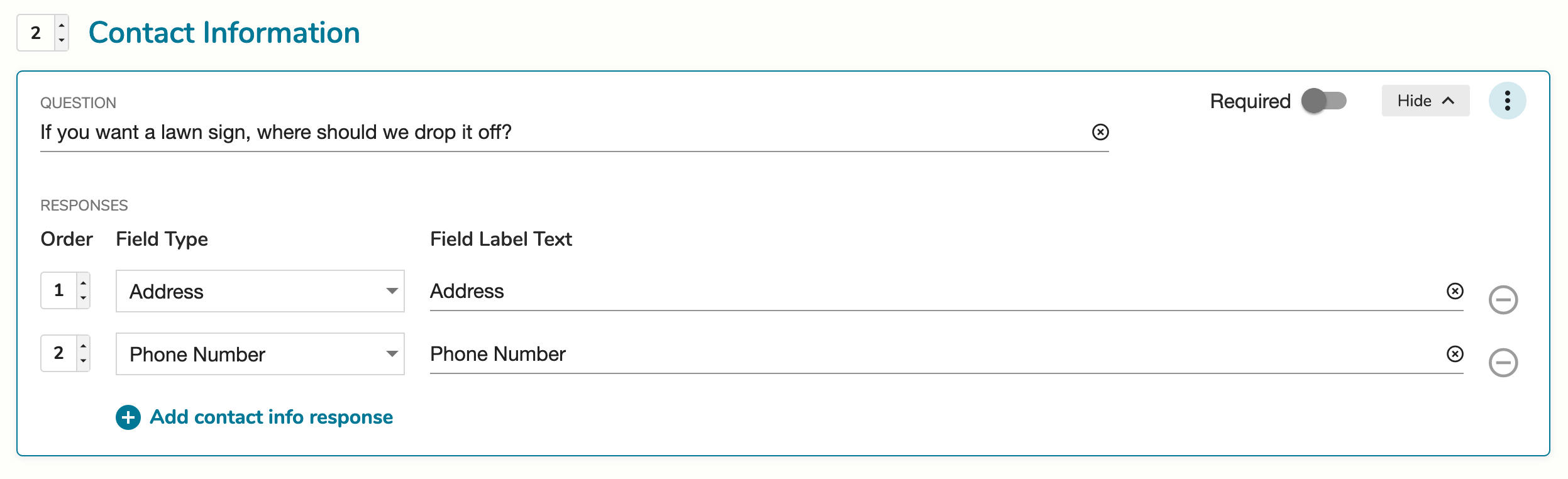
Click ‘Add a Question’ to begin building your form. There are four types of questions: multiple choice, collecting contact information, text response, and group assignment. If desired, you can make questions required.

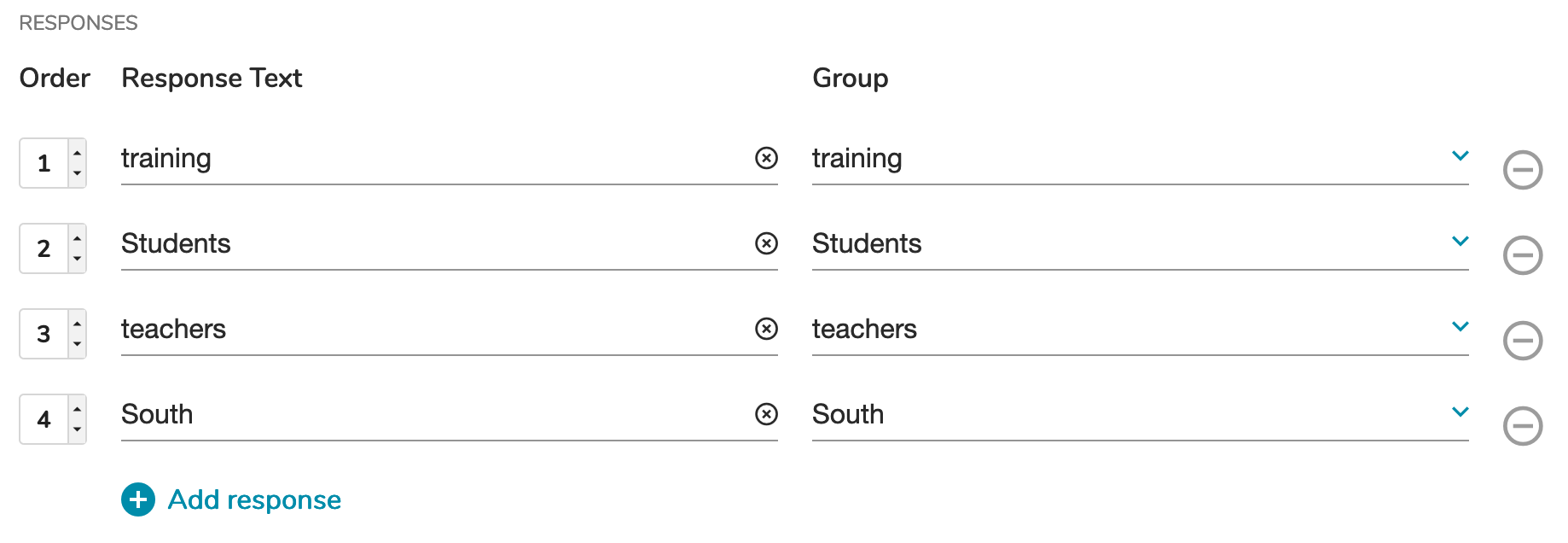
If you create a group assignment question, all the available groups in your OutreachCircle will be automatically added as responses. Type in a question and edit the response options and groups as desired.
For more information on how to use groups, read Creating and Managing Groups.
Once you’ve built your form, click Save & Exit. Then your Action is ready to activate.
Supporter Forms Best Practices
- Requesting endorsements:
- Create a question in the form that asks what title should be used for the supporter
- Create a text response question asking for a testimonial or a statement about why they support your organization or candidate
- Sending out yard signs:
- Include a contact information question, so you know where to deliver the yard sign
- Ask for the supporters' phone numbers and email addresses, so you can get in touch with them if there are any issues
Comments
0 comments
Please sign in to leave a comment.