
Supporters can view, add, delete, or edit their contacts in their supporter app.
For information on importing contacts to a supporter account without the app, click here.
If you have not already installed the OutreachCircle app on your phone, download and install it from the App Store or the Google Play Store.
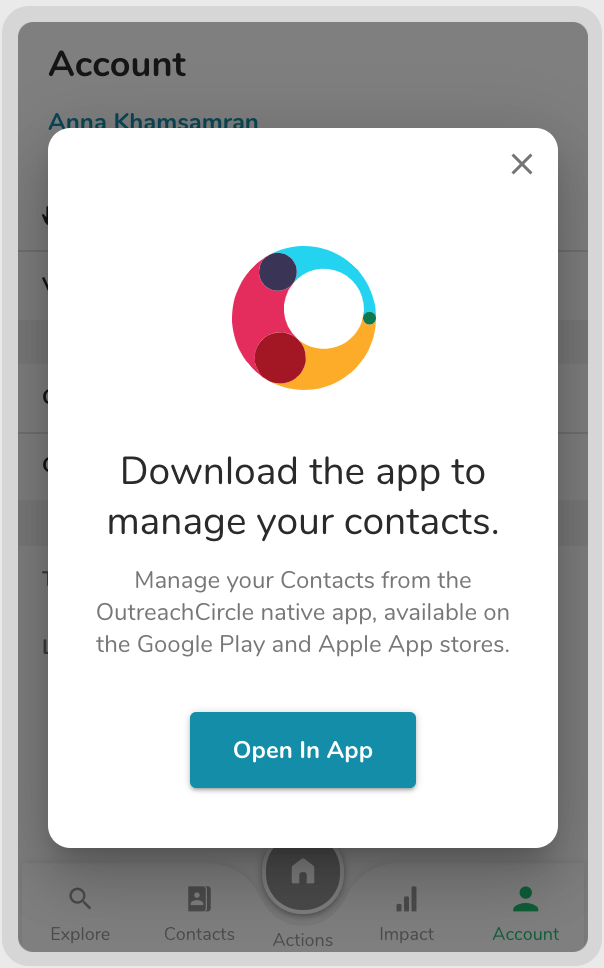
Note that OutreachCircle is all one word.
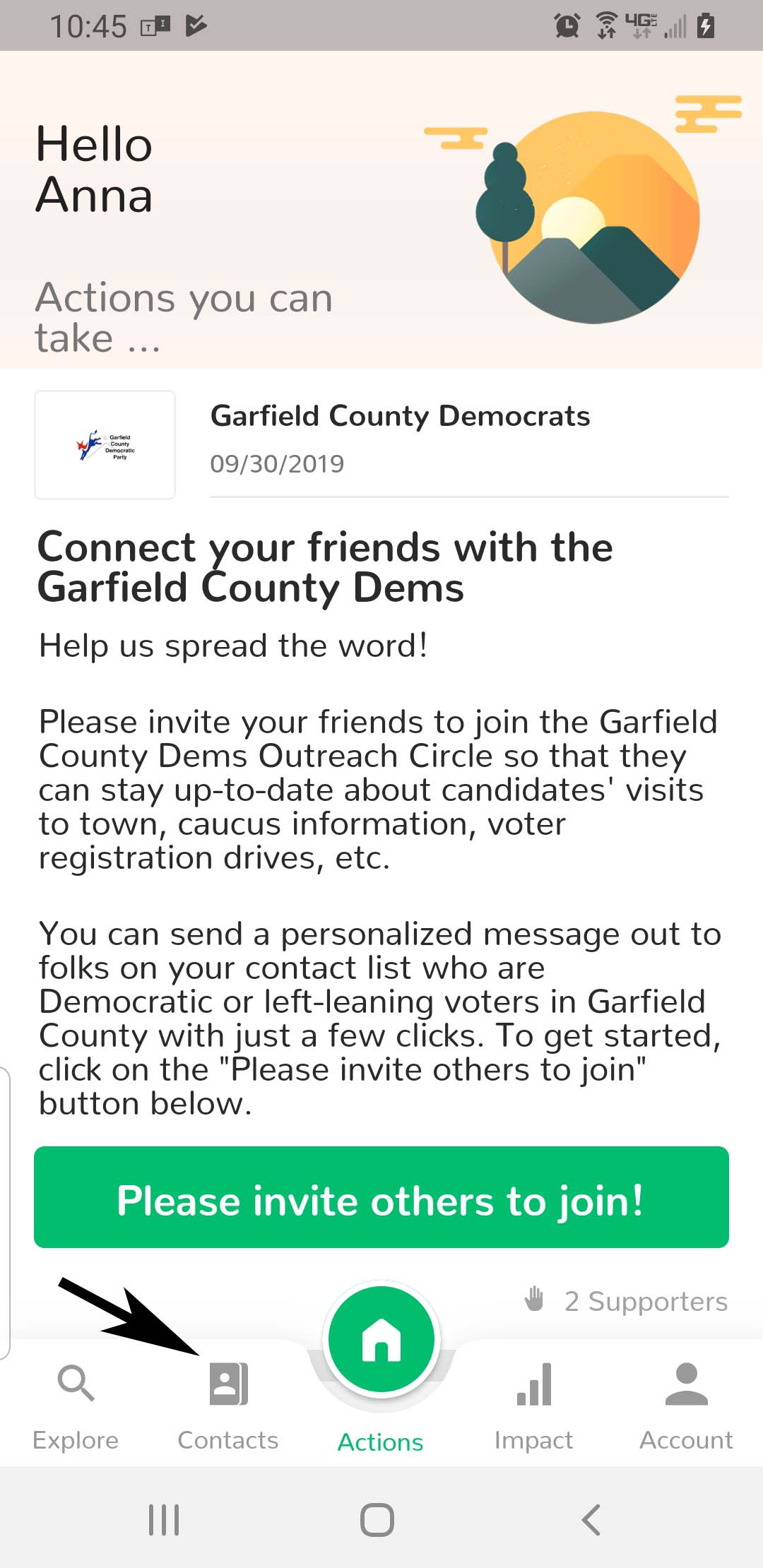
Open the app, log into your supporter account, then click on the "Contacts" icon.
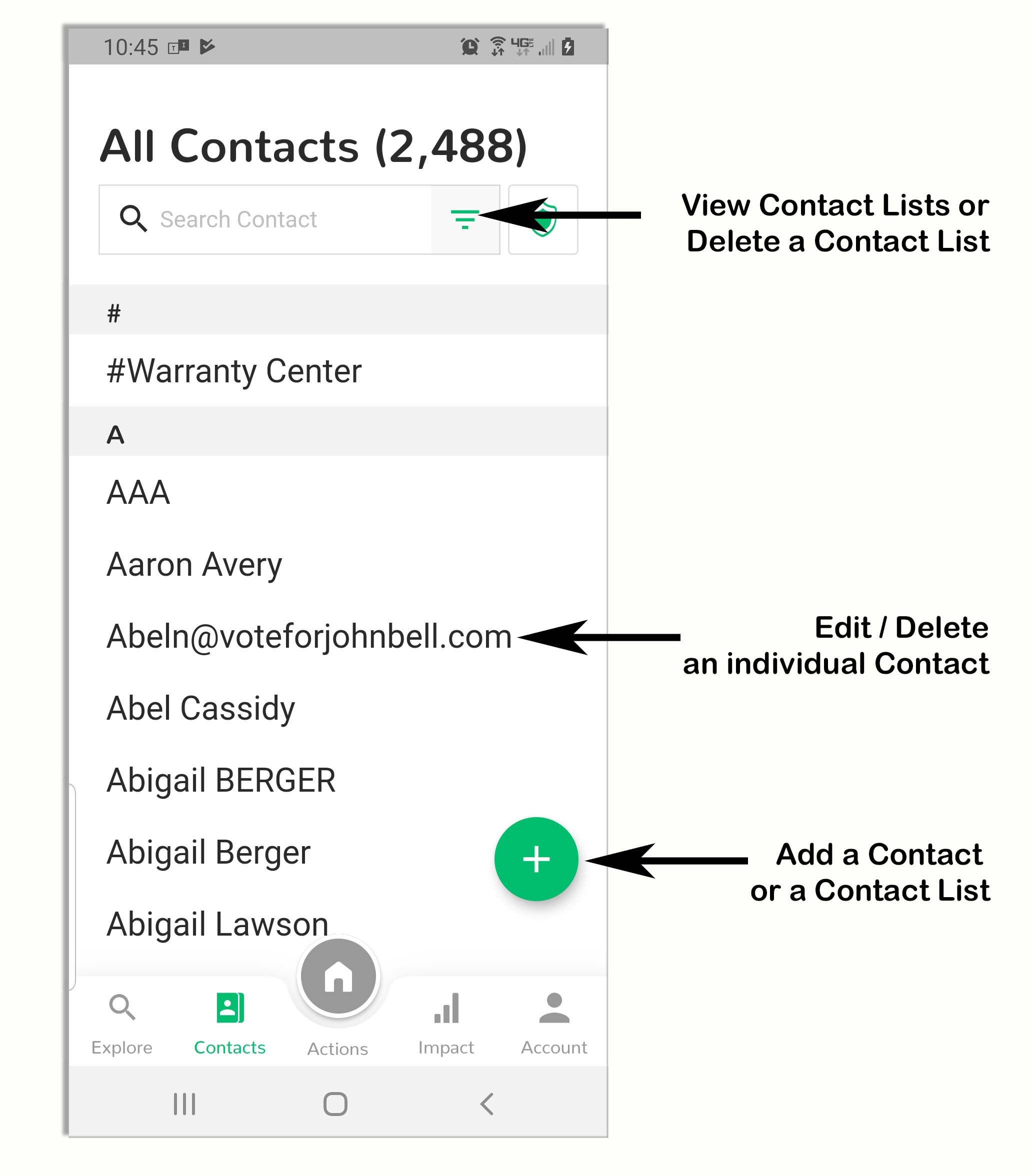
On the Contacts Management Screen, a supporter can:
- View all contacts
- Delete a contact list
- Edit/delete an individual contact
- Add an individual contact or contact list (Click here for information on importing contact lists to a Supporter account and exporting contact lists from other providers)
Comments
0 comments
Please sign in to leave a comment.